

Introduction: Beyond the Inbox, The Untapped Power of SMS in Your Sales Process

Picture this. It's 11:20 on a Tuesday morning. A buyer sends an enquiry for 500 units through IndiaMart. Your sales rep is still logging into email, hunting for the lead. Meanwhile, a competitor has already texted the buyer: "Thanks, we'll call you in 10 minutes." Guess who gets the call?
That lead didn't go cold on its own. It went cold because of slow, scattered follow-up.
Most Indian MSMEs aren't short on leads. They get them from IndiaMart, JustDial, Google Ads, Facebook and website forms. The trouble is what happens next. One 2026 mystery-shopping study of 433 B2B companies found that only 7% replied within five minutes. And an Indian SMB benchmark reported that teams answering that fast closed 3.7 times more deals than teams waiting over an hour.
So what's the fix? Put SMS inside your CRM. When a lead lands, a text goes out right away, tied to that lead's record, with every reply tracked. No logins. No copy-pasting numbers. That's what an sms marketing crm does, and the next sections show how it works.
1. What is an SMS Marketing CRM? Unifying Data and Dialogue
An sms marketing crm isn't a bulk SMS panel with a contact list stapled on. It's a CRM where your customer data runs the texts. Name, city, lead source, deal stage, last purchase. Those fields fill in the message, decide who gets it, and pick the moment it goes out. Then the reply lands back on the same lead record.
Simple idea. Big difference in practice.
The old way vs. the integrated way
Most MSMEs still work the disconnected way. Someone copies numbers from a dashboard into a spreadsheet, exports a file, uploads it to a separate SMS tool, and hits send. By then the lead has talked to two other suppliers.
Step | The Disconnected Way | The Integrated Way |
Lead arrives | Sits in the IndiaMart dashboard until someone checks | IndiaMart lead flows into the CRM on its own |
Phone number | Copied into a spreadsheet | Already in the lead's profile |
Sending the text | Export a file, upload to an SMS panel, send in a batch | Text triggers automatically from the lead's profile |
Personalisation | Maybe a first name, if the columns line up | Lead source, city, product and salesperson filled in automatically |
Replies | Land on someone's phone or in a panel nobody opens | Linked to the lead record for the whole team |
This shift is happening across the industry. A June 2026 commentary by Jack Bobin describes it as a move from blasting an entire opt-in list to segmentation tied to CRM triggers. Less volume. More relevance.
Why a crm with sms marketing changes the sale
Here's the strategic part. A plain SMS gateway only tells you whether a message was sent. A CRM-based setup can tell you which customer received it, why it was sent, whether they replied, and whether it led to a sale.
Picture this text: "Hi Anita, thanks for your steel pipe enquiry on IndiaMart. Rahul from our team will call you by 11:30." Nobody typed that. The CRM pulled the name, source, product and rep from the lead's record. That's a text doing real sales work, and it's what platforms like Leadopal are built around.
So how does this actually help you win leads faster? Let's look at that next.
2. Benefit #1: Supercharge Lead Response Time and Win the Speed Game
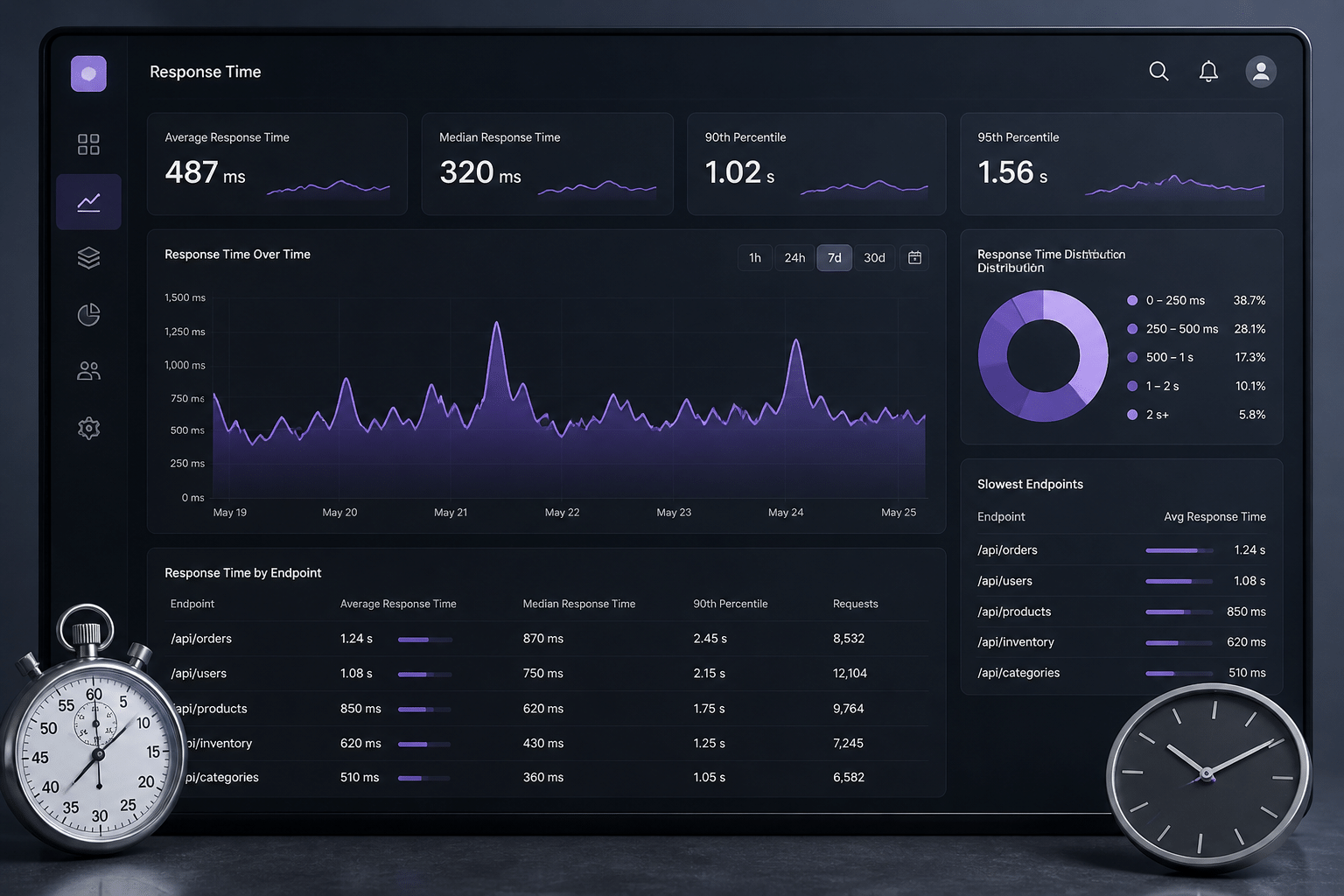
You know that sinking feeling when you finally open a lead and it's already four hours old? Yeah. The buyer has probably moved on.
Speed is the first thing an integrated text setup fixes. And it's the cheapest win on this list.
The speed gap is bigger than you think
A B2B lead playbook from LeanData says buyers expect a reply in about 10 minutes, while the average company takes around 42 hours. That's a huge gap. Also, one widely cited study says contacting a lead within five minutes made a company 21 times more likely to qualify it than waiting 30 minutes. Those numbers come from older, mostly non-Indian research, so treat them as a direction, not a promise. But the direction is clear.
Response time | What the research reports |
Within 5 minutes | Around 21% conversion in a commonly cited benchmark |
After 30 minutes | Far lower odds of qualifying the lead |
After 24 hours | Around 2.3% conversion in the same benchmark |
See the steep drop? Most of the damage happens in the first few minutes.
How instant SMS closes the gap
Your reps can't watch IndiaMart, TradeIndia, Facebook Ads and your website form all day. A CRM can. When a lead lands from any of them, an automated SMS goes out within seconds. Name filled in. Product filled in. Salesperson's name too.
Plus, texts get read. Industry sources often put SMS read rates somewhere in the 93 to 98% range, though that number isn't from a clear India-wide study. Even so, a text usually gets noticed faster than an email sitting in a crowded inbox. That's your first-mover edge over rivals who rely on email or a callback later in the day.
A 9 PM enquiry, handled
Here's a simple example. A buyer fills in your website form at 9 PM. Your team is offline. Without automation, that lead waits until tomorrow, maybe later.
With SMS inside your CRM, they get this within seconds: "Hi Suresh, thanks for your enquiry about industrial valves. Priya from our team will call you tomorrow at 10 AM."
Nothing fancy. But it tells the buyer you've seen them, and it sets a clear time for the call. They're far less likely to keep shopping around that night. (Just keep the message honest and then actually make the call. A promise you break is worse than silence.)
Speed gets the conversation started. Next, let's talk about making each message feel personal.
3. Benefit #2: Achieve Personalization at Scale with CRM-Powered Segmentation
Fast is good. But fast and generic? That's just spam with better timing.
I've seen it happen. A buyer asks about one product and gets a "Dear Customer, huge offers this week!" text. Delete. Block. Gone.
So here's the second win of putting SMS inside your CRM. Every text can sound like it came from someone who actually read the enquiry.
Move beyond generic blasts
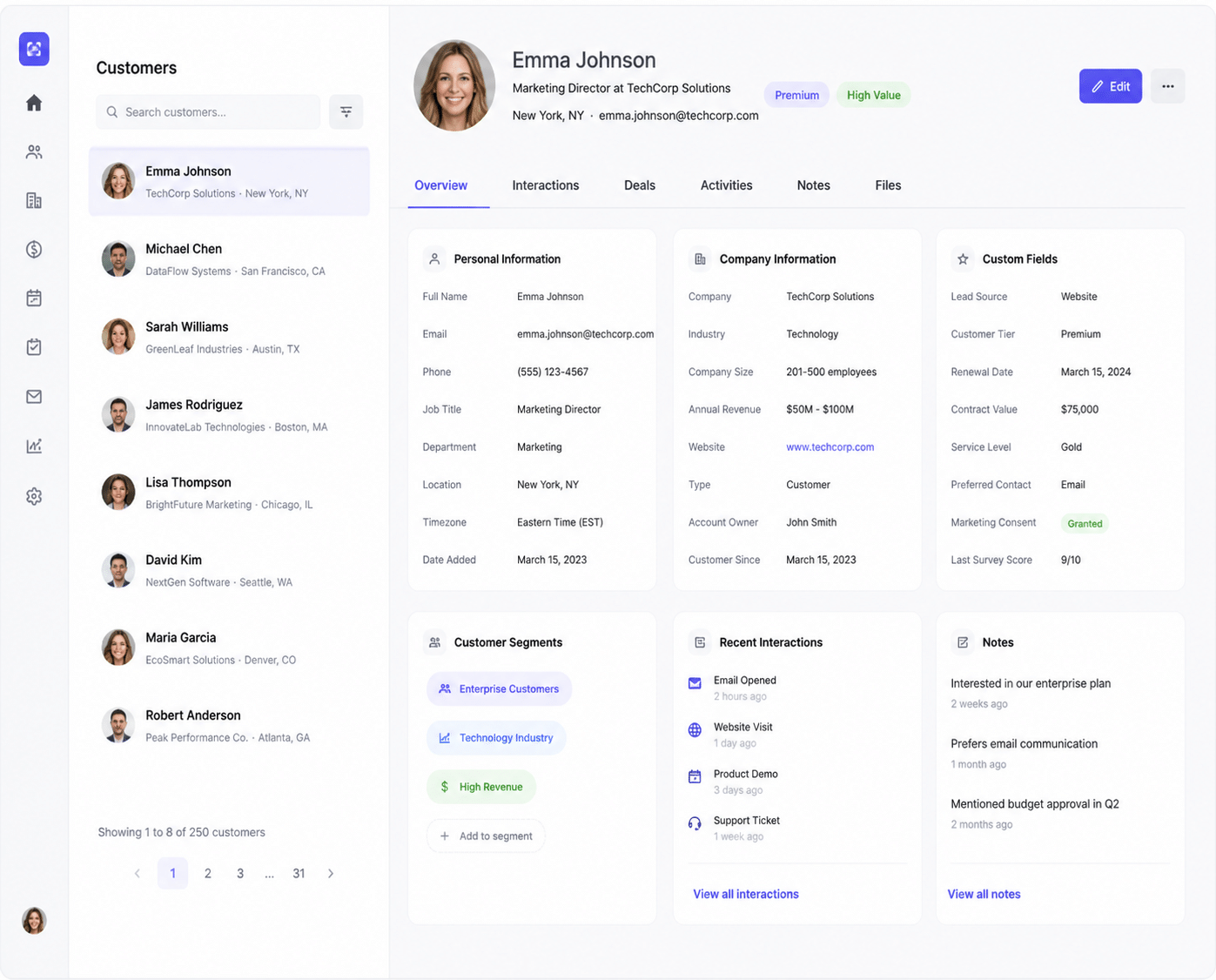
Your CRM already holds the good stuff: name, product, lead source, city, deal stage. When those fields fill in the message on their own, you get texts like this:
"Hi Meena, following up on your inquiry for stainless steel sinks from IndiaMart. Can I share a rate list today?"
Nobody typed that by hand. A template did, and it works for 5 leads or 500.
The numbers back this up, kind of. One 2025 benchmark from DMText reports conversion of 5.2% with no personalization, 7.8% with a first name, and 11.4% when several customer fields were used. It's a vendor benchmark, not an Indian study, so take it as a hint rather than a promise. Still, the pattern makes sense. More relevant text, more replies.
Let the pipeline stage pick the message
Here's where it gets fun. A lead in "New Lead" needs something very different from a lead in "Negotiation." Sending both the same text is like greeting a regular customer with "Welcome, first time here?"
With SMS automation in your CRM, you set a message for each stage. Move the lead from one stage to the next, and the right text goes out. No one has to remember.
Here are sample templates you can adapt. Use [Name], [Product] and the other fields as placeholders.
Sales Stage | Sample SMS Template |
New Lead | Hi [Name], thanks for your enquiry about [Product] on [Lead Source]. [Salesperson] from our team will call you by [Time]. |
Post-Quotation | Hi [Name], we've sent your quotation for [Product] (Qty: [Quantity]). Any questions? Reply here or call [Salesperson] at [Phone]. |
Negotiation | Hi [Name], we can hold the [Product] rate till [Date]. Want to finalise today? Reply YES and we'll call you. |
Post-Purchase | Hi [Name], your [Product] order is on its way. Need help with anything? Reply to this message. |
Keep each one short. One question or one next step, not five.
Segment your audience, then send something useful
Segmentation sounds fancy. It isn't. It just means saving a filter.
Say you sell industrial machinery. You build a segment: all leads from Mumbai who asked about industrial machinery. A trade show is coming up in the city next month. One text goes to that group only:
"Hi [Name], we'll be at the Mumbai machinery expo on [Date], Stall [Number]. Want a free demo of [Product]? Reply YES."
Leads from Pune or Delhi never see it. Nobody gets annoyed, and the people who do get it actually care.
What fields should you collect to make this possible? Start small: city, product interest, lead source, deal stage, and whether the person agreed to get texts. That last one matters. Indian commercial SMS also needs registered templates, so a platform like Leadopal that keeps DND-compliant segments separate saves you headaches.
Personal texts get replies. But replies mean follow-ups, and that's a lot of work for a small team. Next up, how automation takes care of that part.
4. Benefit #3: Automate Follow-ups to Nurture Leads and Free Up Your Sales Team
Here's an uncomfortable truth. Most leads don't say "no." They just never hear from you again.
One report citing a Harvard Business Review study of 2,241 U.S. companies found that 23% never responded to a lead at all. Another source says 48% of salespeople never make a second attempt. Not because they're lazy. They're busy, and busy people forget.
Want to stop losing leads?
See how Lead Opal helps you capture, track, and follow up on every lead — automatically, across WhatsApp, Email & SMS.
Drip campaigns that keep you on their mind
An sms automation crm fixes this with a drip sequence. You set it once. Then texts go out over days or weeks, without anyone remembering to send them.
Here's a sample flow for a lead that comes in from JustDial:
When | What happens |
Minute 0 | Lead lands from JustDial. SMS: "Hi [Name], thanks for asking about [Product]. [Salesperson] will call you by [Time]." |
Day 1 | Task for the rep: call the lead. If no answer, a short SMS goes out asking, "Would you prefer a call today or tomorrow?" |
Day 3 | Helpful tip SMS about [Product], like a size or rate guide. |
Day 7 | Reminder SMS: "Your quotation is ready. Any questions? Reply here." |
Day 14 | Last check: "Still looking for [Product]? Reply YES to stay in touch, STOP to opt out." |
Notice the mix. A tip, a question, a reminder. Not five pitches in a row. And if the lead replies at any point, the sequence should stop and hand over to a human.
Alerts that tell your rep when to call
This part is my favourite. The text doesn't only go to the buyer. It can go to your rep too.
Set a workflow so that when a lead opens your quotation or visits your pricing page again, the assigned rep gets an SMS: "Meena just opened the quotation for steel sinks. Call now." That's a warm moment. Buyers are looking at your price right then, so a call in the next few minutes lands very differently from one next Thursday. A drag-and-drop automation builder, like the one in Leadopal, lets you set this up without writing code.
What it saves your team
Let's do quick math (a made-up example, but a realistic one). Say a rep spends 3 minutes on each manual follow-up text, sends 5 per lead, and handles 40 new leads a week. That's 600 minutes. Ten hours, gone, on copy-paste work.
One reported case study from a boutique retailer showed a 40% cut in manual workload after automating reminders and offers. It's a vendor-published story, so treat it as a hint, not a promise. Still, you get the idea.
So your reps stop chasing and start talking. They spend time on negotiation and closing, which is where deals actually get won.
Follow-ups are covered. Next, let's look at what happens after the quote goes out.
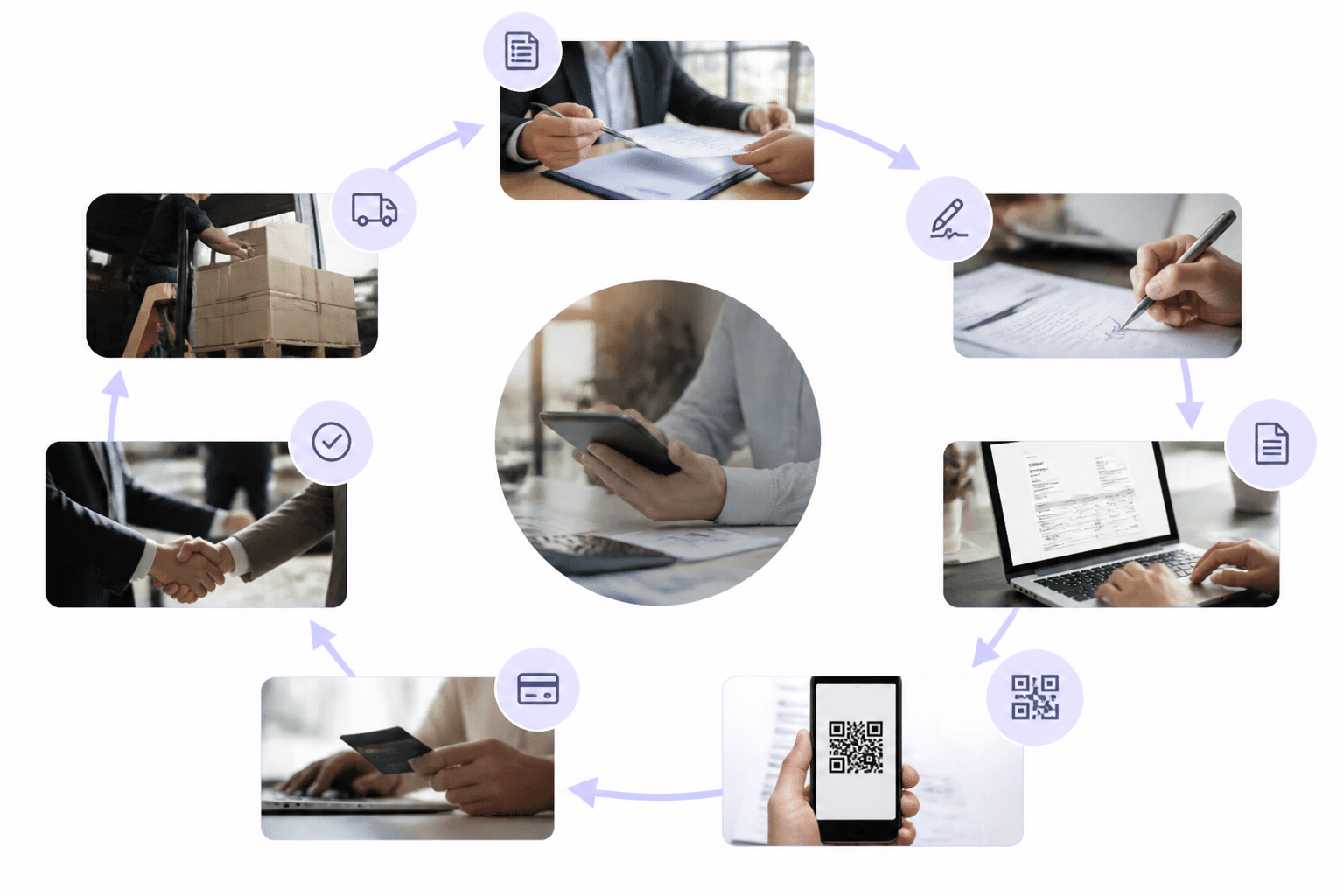
5. Benefit #4: Streamline the Entire Sales Cycle, from Quotation to Payment
The lead said yes. Great. Now comes the part where deals quietly stall.
You send a quotation as a PDF over email. The buyer doesn't check email until Thursday. Then the invoice goes out, the payment sits unpaid, and someone on your team has to chase it by phone. We've all been there, and it's annoying.
SMS inside your CRM can smooth out this whole stretch.
Get the quotation seen on the buyer's phone
When your rep creates a quotation in the CRM, a text can go out the moment it's saved. It carries a secure link, so the buyer opens it right on their phone. No attachment to download. No hunting through an inbox.
Here's what that looks like:
Message type | Sample SMS |
Quotation sent | Hi Meena, your quotation Q-1042 for steel sinks is ready. View it here: [Secure Link]. Questions? Reply here or call Rahul at [Phone]. |
Payment reminder | Hi Meena, a gentle reminder: invoice INV-2381 for ₹48,500 is due on [Due Date]. Pay by UPI here: [Payment Link]. |
Short. Clear. One next step in each.
Collect payments faster with a UPI link
Chasing money is nobody's favourite job. So let the CRM do the first few nudges. When an invoice passes its due date, a reminder text goes out with a direct link to pay by UPI or scan a QR code.
Why does this fit India so well? Because buyers already pay this way. UPI processed 228.5 billion transactions in 2025, up 33% from the year before. Paying from a link on your phone is normal now. It's not a big ask.
I couldn't find a reliable India-wide figure for how much time MSMEs lose on payment reminders, so I won't invent one. But you can work it out for your own team. Count your invoices, multiply by the minutes spent chasing each, and see what it costs you each month. Platforms like Leadopal build quotations, invoices and embedded payment QR codes into the same system, so the reminder and the payment link come from one place.
One warning, though. Keep payment reminders purely about the payment. TRAI's rules treat promotional and transactional messages differently, and adding a discount offer to an invoice reminder can change how the message is classified. Use registered templates and keep offers in a separate campaign.
Keep the after-sale experience professional
The sale isn't over when the money lands. A quick text for order confirmation, dispatch and delivery tells the buyer you're organised. "Your order is confirmed." "Your order has shipped." "Delivered, need anything?" Three small texts, and the buyer never has to call you to ask where their goods are.
That saves your team calls, and it builds trust. Happy buyers tend to come back. That's how one-time orders turn into repeat business.
So your sales cycle now runs from first enquiry to final delivery without a single copy-paste. But which platform should you pick to make this happen? That's next.
6. How to Choose the Right SMS Marketing CRM for Your Indian Business
So you're sold on the idea. Now comes the part where lots of owners trip up. There are a ton of tools out there, and the shiny feature list rarely tells you what you'll actually use on a Monday morning.
Here's how I'd sort the good from the noisy.
Start with the lead sources you already use
If your leads come from IndiaMart, TradeIndia and JustDial, the CRM has to pull them in out of the box. Not "we can build that for you." Not "ask a developer." Out of the box. Otherwise you're back to copy-pasting numbers, which was the whole problem.
Also check Google Ads, Facebook Ads, website forms and webhooks. One pipeline for everything is the goal.
Check the compliance side before the price
Indian commercial SMS runs on rules. Businesses generally need to register as a Principal Entity on a DLT platform, register sender IDs, and get each message template approved. Promotional and service messages are also treated differently, so a good CRM keeps them in separate workflows and handles DND lists for you.
Don't treat this as the vendor's problem alone. Ask who fixes a rejected template and how opt-outs get recorded. Honestly, a dull answer here is a good sign.
Look for one system, not five
Here's my opinion, and I'll admit it's a bit strong: separate tools for SMS, WhatsApp, email and invoicing quietly cost you the most. Data sits in silos. Someone re-types things. A 2025 MSME technology report found that businesses often run CRM, billing and communications in separate silos, which leads to missed chances and duplicated work. So aim for a platform where SMS sits next to everything else.
Pricing usually works as a mix. You pay a CRM subscription, then SMS credits on top. A 2025 pricing guide puts promotional SMS at roughly ₹0.20 to ₹0.50 each, though rates vary. So ask for a written 12-month cost, not just the licence fee. And ask whether credits expire.
10 must-have features in an SMS marketing CRM for Indian MSMEs
Print this out and tick things off during demos.
# | Feature | Why it matters |
1 | Built-in IndiaMart, TradeIndia and JustDial integrations | Leads arrive without manual work |
2 | Google Ads, Facebook Ads, webhook and form capture | Every channel lands in one pipeline |
3 | DND and DLT-friendly segment management | Keeps campaigns compliant |
4 | Template management with CRM placeholders | Name, product and city fill in on their own |
5 | Drag-and-drop automation builder | Follow-ups run without code |
6 | Two-way replies linked to the lead record | The whole team sees the conversation |
7 | WhatsApp and email in the same inbox | No data silos between channels |
8 | Quotations, GST invoices and payment QR codes | Quote to cash in one place |
9 | Sales target tracking per rep | You see who's hitting numbers |
10 | SMS analytics and role-based permissions | Know what works, and who can see what |
Leadopal covers this whole list in one cloud platform, which is why it's a handy yardstick when you compare options.
One last tip. Take a free trial and import ten real leads. If your non-technical staff can send a text from a lead record in a few minutes, you've probably found a keeper.
Once you've picked a tool, what's the next step? Let's wrap this up.
Conclusion: Stop Leaking Leads and Start Converting with Integrated SMS
Let's bring it back to that Tuesday morning and the 500-unit enquiry.
The buyer didn't pick the best supplier. They picked the first one who answered. That's the whole story, and an sms marketing crm is how you become the first one.
Here's what we covered:
Instant response: a text goes out in seconds, even at 9 PM.
Personal messages: name, product and city fill in on their own.
Automated follow-ups: drip texts and rep alerts keep leads warm without anyone remembering.
One smooth cycle: quotation, UPI payment link and delivery updates all run from one place.
In 2026, this isn't a nice extra. It's how a small team handles more leads without hiring more people. Martha Rogers put it well: "Customers don't care about your channels. They care about getting their problems solved." Your buyer just wants a quick, clear answer. Whether it comes by text or call matters less.
Your 15-minute audit
Before you buy anything, try this. Pull up last month's leads and ask:
How long did the first reply take?
How many leads never got a second message?
How many hours did your team spend copying numbers and chasing payments?
If those answers sting a bit, good. That's your starting point.
So, how many leads did you lose last month to slow follow-up? It might be time for a new approach. Take a look at Leadopal, start a free trial, and import ten real leads to see it work.