
Introduction: Why Your Inbound Leads Are Going Cold (And How SMS Can Fix It)
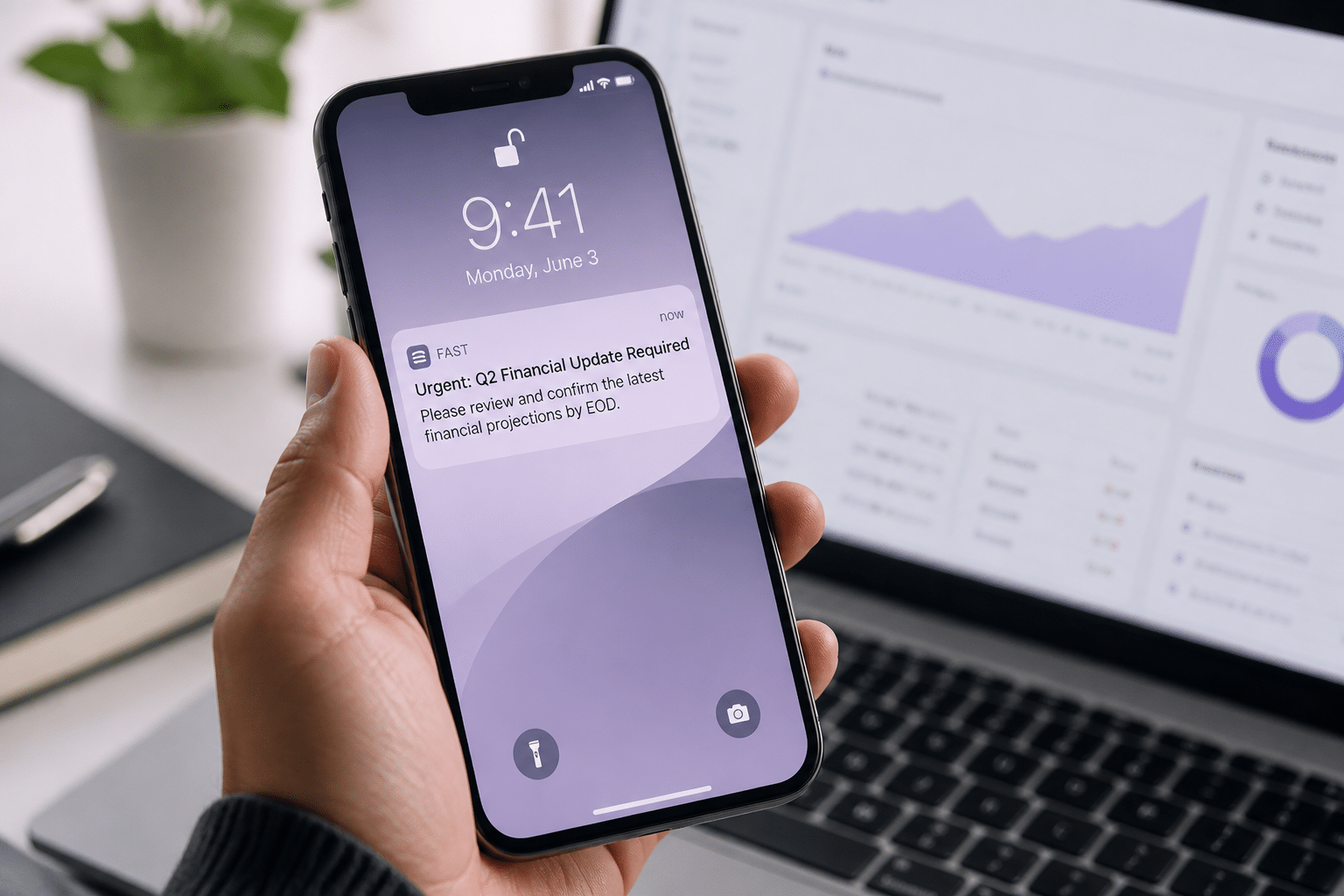
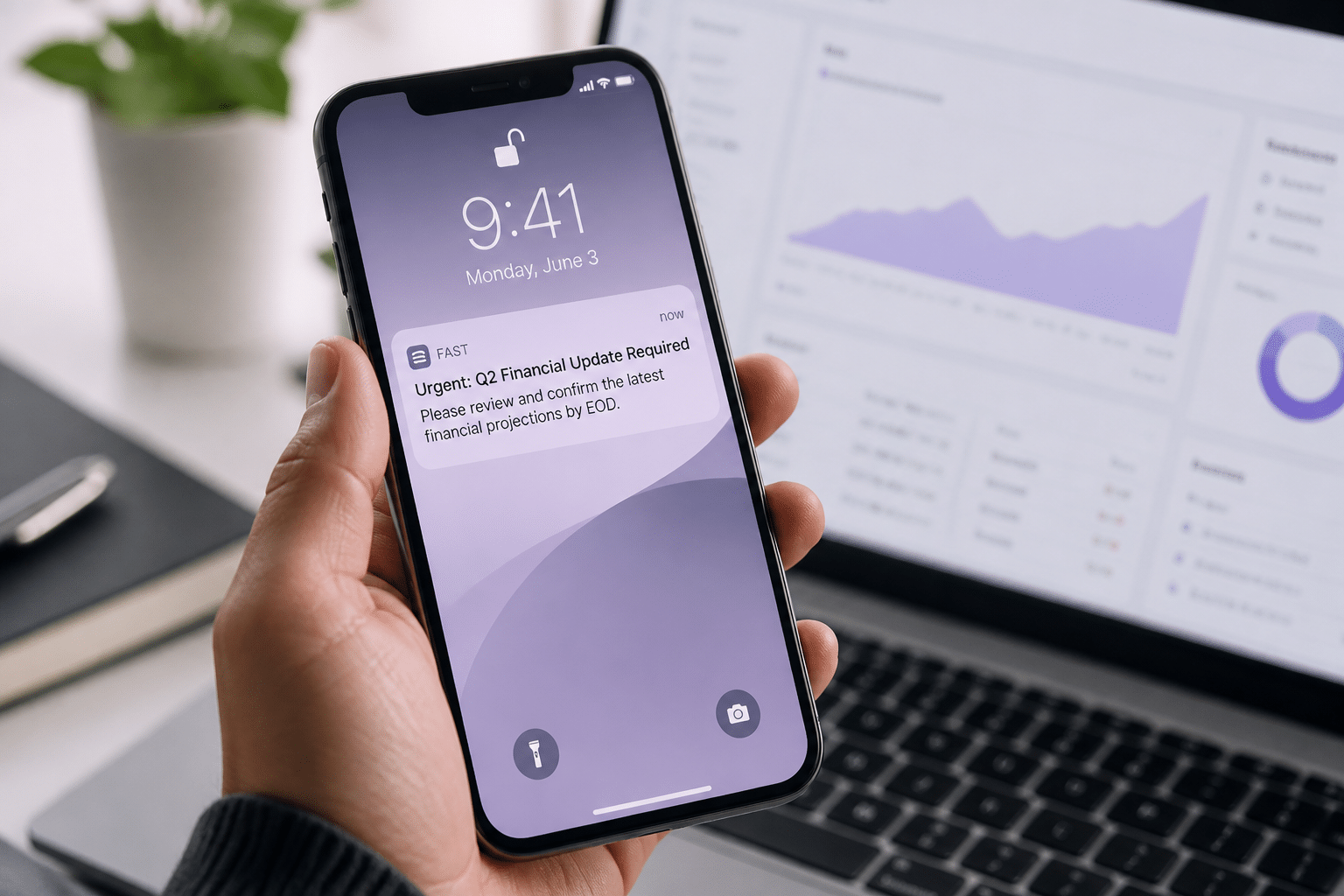
About 80% of text messages get read within five minutes. That's the figure Sakari's 2025-2026 SMS roundup reports. (It's a vendor number, not an Indian audit, but the pattern is hard to ignore.)
Picture this. It's 11am. Your IndiaMart inbox pings with a fresh enquiry, and a Facebook Ad lead lands two minutes later. Your rep is on a call. By the time anyone replies, it's evening, and the buyer has already talked to two of your competitors.
Sound familiar? Thing is, the leads aren't the problem. Speed is. Research cited by The Tribune points to Harvard Business Review findings that firms reaching out within one hour were nearly seven times more likely to qualify a lead.
So how do you reply fast without hiring five more people? Email gets buried. Calls go unanswered. But a text message? People usually see it right away.
Still, a plain bulk sender isn't enough. Blasting messages from a spreadsheet won't fix lost follow-ups. What you want is an SMS CRM: a system that ties every text to the lead, the owner, and the next step. Let's look at how that turns SMS into a real sales engine.
What is an SMS CRM? (Hint: It's More Than Just a Bulk Sender)
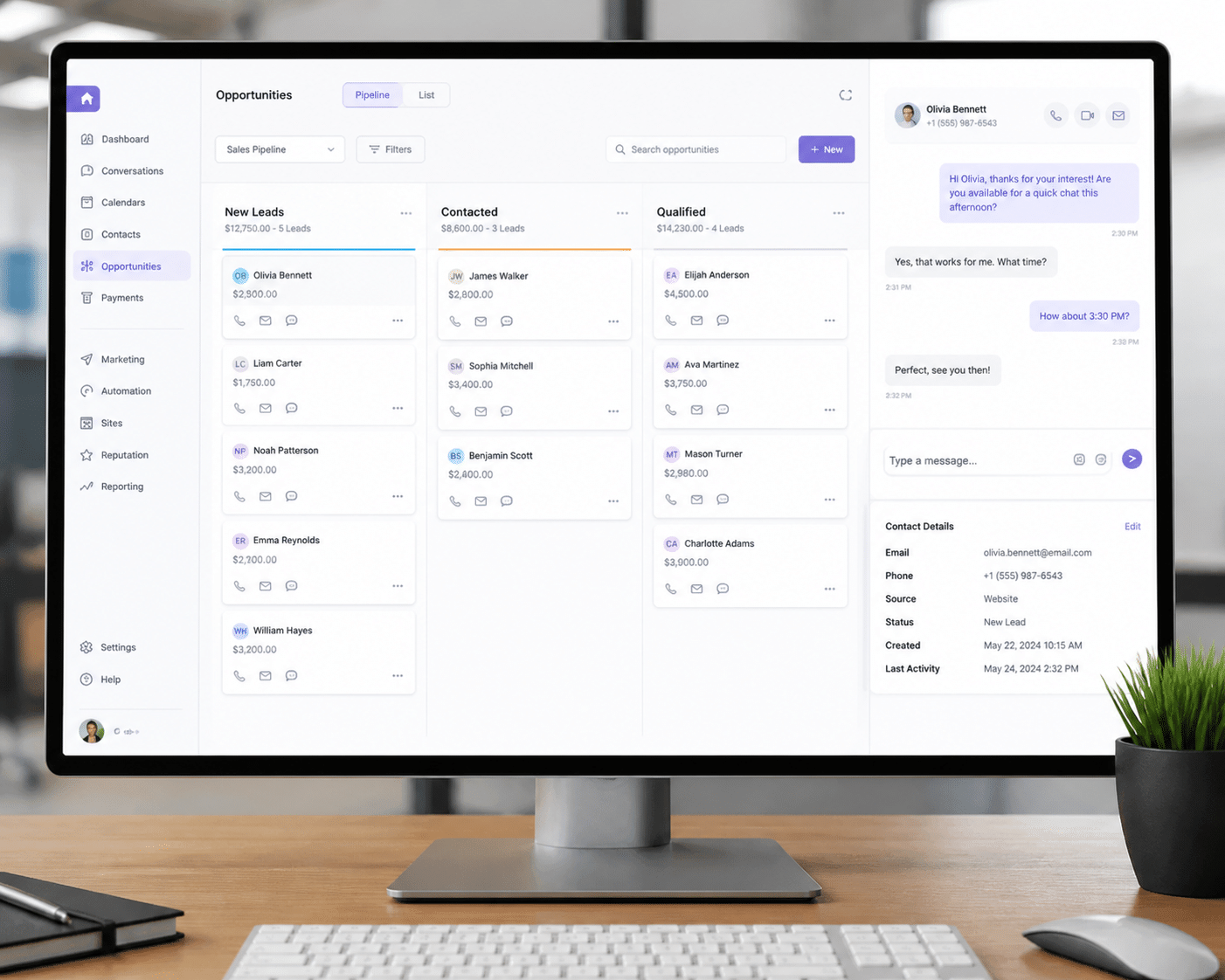
Let's keep this simple. An SMS CRM is one platform that does two jobs. It holds your lead pipeline (the CRM part), and it sends and receives text messages (the SMS part). Both live in the same record.
So when a lead texts back, you don't dig through a phone or a spreadsheet. The reply shows up on that lead's profile, next to their name, source, owner and deal stage.
How it's different from a bulk SMS sender
A bulk SMS tool, like Textlocal or MSG91, is built to broadcast. You upload a list, pick a template, hit send. Fine for a festival offer. But it doesn't know who your lead is or who owns the deal.
Here's the quick comparison:
Feature | Simple bulk SMS | Integrated SMS CRM |
|---|---|---|
Lead integration (IndiaMart, ads, forms) | No, you upload lists by hand | Yes, leads flow in on their own |
Two-way chat | Limited or missing | Yes, replies sit on the lead's profile |
Personalization | Name and a few fields | Any CRM field: product, source, owner |
Automation | Scheduled blasts | Triggered by lead status or activity |
Message history per lead | No | Yes, full timeline |
Alerts to the sales rep | No | Yes, on every reply |
Reporting | Sent and delivered | Replies, follow-ups, conversions |
What personalization really looks like
This is where it gets fun. Because the CRM already knows the lead, your text can say: "Hi Ravi, thanks for your IndiaMart enquiry about steel pipes. Anita from our team will call you by 4pm today."
No copy-pasting. No guessing. The name, product and rep come straight from the record.
Why MSMEs feel this the most
Small teams don't have time to rebuild context every time a lead goes quiet. An SMS CRM gives you three things that matter:
Context. Anyone opening the lead sees what was said, when, and by whom.
Clean handovers. If a rep goes on leave or quits, the conversation stays with the business, not on their phone.
A professional record. Quotes, promises and follow-up dates are logged, so nothing relies on memory.
That last point is a big deal. Summaries of Salesforce's 2025 State of Sales report suggest reps spend only about 28 to 30% of their week actually selling. Hunting for old messages is exactly the kind of work you want gone.
Next, let's look at which features separate a real SMS CRM from a fancy sender.
5 Must-Have Features in an SMS CRM Software for Sales Teams
Not every tool calling itself SMS CRM software earns the name. I've sat through demos where the "CRM" was a contact list with a send button. So here's a checklist of five things to look for before you pay a single rupee.
Features 1 and 2: Getting Leads In and Following Up Fast
Feature 1: Direct integration with lead sources. If an IndiaMart, TradeIndia, Facebook Ads or website form lead can't trigger a text by itself, someone has to send it by hand. And that someone is probably on a call. Look for a CRM with SMS integration that connects to the sources Indian teams really use, plus webhooks for everything else. The text should go out within a minute, with the lead's name and product already filled in.
Feature 2: Workflow automation. One welcome message isn't a follow-up plan. A good platform lets you build a sequence: SMS on Day 1, email on Day 3, SMS again on Day 5. If the lead replies, the sequence stops and the rep gets a task. No reminders in someone's head. No sticky notes.
This is where automated SMS for sales leads starts paying for itself, because the boring follow-ups happen even when your team is swamped.
Features 3 and 4: Seeing Every Chat and Knowing What Works
Feature 3: A unified two-way inbox. Managers need one place to see every conversation for every lead. Ideally WhatsApp and email sit in the same view too. When a rep is on leave (or quits, it happens), the thread stays with the business. Nobody has to ask, "Did we ever reply to that buyer?"
Feature 4: Analytics that go past "delivered." A delivery report alone won't tell you if texts are making money. You want numbers tied to the pipeline. Here's what a useful dashboard shows:
| Metric | What it tells you |
Metric | What it tells you |
|---|---|
Delivery rate and failure reasons | Whether numbers, templates or DND rules are blocking messages |
Link clicks | Which offers or quotes people actually open |
Reply rate by template | Which wording gets a response |
Time to first contact | How fast your team really moves |
Conversions by campaign | Which SMS sequences lead to won deals |
Revenue influenced | Whether your SMS spend is worth it |
That last row matters most. If a tool can't connect a text to a closed deal, you're guessing.
Feature 5: Built-In TRAI and DND Compliance
This one saves you real headaches. Indian businesses must register on the DLT platform, register sender IDs, and get message templates approved. Messages that don't match an approved template can get rejected, as MSG91's template scrubbing guide explains.
Timing matters too. Promotional SMS is generally limited to 10am to 9pm IST, and messages outside that window may be dropped.
So your software should handle the boring rules for you:
Scrub numbers against DND before promotional sends
Link each automation to an approved template and sender ID
Block promotional sends outside allowed hours
Store consent records and opt-outs
Be careful with any vendor promising a "DND bypass." Delivery still depends on message type, template and consent.
Your Quick Checklist
Print this and take it to your next demo:
Feature | Ask the vendor | Red flag |
|---|---|---|
Lead source integration | "Does IndiaMart trigger an SMS on its own?" | CSV uploads only |
Workflow automation | "Can I mix SMS and email in one sequence?" | Single scheduled blasts |
Two-way inbox | "Can my manager see every rep's chats?" | Replies land on personal phones |
Analytics | "Can I see deals won per campaign?" | Only sent and delivered counts |
TRAI/DND compliance | "How are templates and DND handled?" | "We'll sort that out later" |
Leadopal, for example, brings lead capture, SMS, WhatsApp, email and automation into one pipeline, which is the kind of setup this checklist is pointing at. Next, let's see how these features fix the bottlenecks that cost you leads.
How an Integrated SMS CRM Solves Your Biggest Sales Bottlenecks

Let's get practical. Features are nice on a checklist, but what do they fix on a normal Tuesday? Here are the three problems I see Indian sales teams wrestle with most, and how an SMS CRM handles each one.
Problem 1: Leads Slip Through the Cracks
You know that sinking feeling when you spot an enquiry from 9am sitting untouched at 6pm? That's lead leakage. And it's rarely about laziness. Your rep was on a call, or the lead landed in a different inbox.
With lead management with SMS, the fix runs on its own. A new lead arrives from IndiaMart, TradeIndia or a Facebook ad. The system sends a welcome text within a minute. It confirms you got the enquiry, names the rep, and says when to expect a call. Something like: "Hi Ravi, got your enquiry about steel pipes. Anita will call you by 4pm."
The lead is also assigned to Anita right then. No one has to decide who owns it. Response time drops from hours to seconds, and the buyer feels looked after while your rep finishes that other call.
Here's how the same lead plays out both ways:
Step | Manual process | Automated SMS CRM workflow |
|---|---|---|
Lead arrives | Someone spots it when they check the inbox | Lead lands in the pipeline instantly |
First reply | Hours later, if at all | Personalized text within about a minute |
Rep assignment | Chosen over a chat or a call | Assigned automatically by your rules |
Follow-up | Sticky notes and memory | Scheduled SMS plus a task for the rep |
Record of what happened | Scattered across phones | Full timeline on the lead profile |
Problem 2: Follow-ups That Eat Your Day
Quote sent. Meeting booked. Invoice due. Each one needs a nudge, and doing it by hand across 80 leads is exhausting. Honestly, it's the work people forget first.
Automated SMS for sales leads takes this off your plate. A few workflows worth setting up:
After a quotation: a text with the quote number and validity date, then a reminder three days before it expires.
Before a meeting: a confirmation right away, then reminders 24 hours and one hour ahead. Fewer no-shows.
Payment reminders: the invoice number, amount and due date, sent when an invoice is due or overdue.
One case study from Molitio Software reported collections rising by 30% or more after personalized SMS reminders with payment links. (It's a single vendor case study, so measure your own baseline before you celebrate.)
A small tip: payment and account alerts usually need a service or transactional template, not a promotional one. Your software should keep those routes straight.
Want to stop losing leads?
See how Lead Opal helps you capture, track, and follow up on every lead — automatically, across WhatsApp, Email & SMS.
Problem 3: No Idea What Was Said to Whom
Picture a rep going on leave for a week. A buyer texts, "Is my quote ready?" Nobody knows. The promise lives on one person's phone.
A unified platform fixes this. Every text, reply and note sits on the lead's profile. Another rep opens it and sees the whole story: what was promised, what price was quoted, when the next follow-up is due. They can pick up mid-conversation without asking the buyer to repeat anything.
Managers benefit too. You can check response times, spot stuck deals and see who's following up. And when someone quits, the customer history stays with the business, where it belongs.
So that's the problem side. But should you buy a separate SMS tool or go all-in-one? Let's weigh that next.
Standalone SMS Tool vs. All-in-One Sales Platform: Which is Right for Your MSME?
Here's the question I get asked a lot: "Why pay more when a basic SMS tool costs almost nothing?" Fair point. Let's look at both sides, then you can decide.
What a standalone SMS tool really gives you
A standalone tool does one job. It sends texts. You get a contact list, templates, maybe a basic API, and a delivery report.
The good: it's often cheaper if all you do is bulk sending. Setup is quick, and you pay for what you send.
The catch: it becomes yet another data silo. Leads from IndiaMart or Facebook Ads don't flow in by themselves, so someone exports a file, cleans it and uploads it. Replies don't reach your sales pipeline. And there's no link to quotes or invoices.
Some people patch this with a connector like Zapier. Zapier's pricing page lists a paid entry plan around $19.99/month for about 750 tasks. That's before the SMS tool, Indian SMS charges, GST and your team's time. And each lead can eat several tasks (create contact, update deal, send text), so that plan can run out fast.
What an all-in-one sales platform does differently
In an all-in-one platform, SMS is one module inside a bigger system. Lead capture, pipeline, WhatsApp, email, automation and invoicing share the same records. Leadopal is built this way for Indian MSMEs.
So a lead arrives, gets a text, gets assigned, and gets a quotation, all in one place. If the buyer replies on WhatsApp instead, that sits on the same profile. One source of truth for reporting. No copy-paste.
The downside? The upfront cost is higher than a simple sender. You're also learning a bigger tool, so give your team a week or two to settle in.
Side-by-side comparison
Capability | Standalone SMS Tool | All-in-One Sales Platform |
|---|---|---|
Lead integration | Manual imports or a paid connector | Direct feeds from IndiaMart, TradeIndia, ads and forms |
Cross-channel automation | SMS only; other channels need other tools | SMS, WhatsApp and email in one workflow |
Unified reporting | Sent and delivered counts | Replies, follow-ups, deals won and revenue in one view |
Quotes and invoicing | Not included | Built in, with payment links |
Total cost of ownership | Low sticker price, but add connectors, double entry and fixes | Higher sticker price, but fewer tools and less admin |
The hidden cost nobody puts on the invoice
The biggest cost is usually staff time. Say it takes 5 minutes to copy each lead between systems. Over 500 leads a month, that's about 42 hours. (That's my own math, not an industry benchmark.) Multiply by what that person costs you per hour. If the number beats the price gap between the two options, consolidating wins.
So which one fits you?
Pick a standalone tool if:
You only send occasional festival or offer blasts
Lead volume is low and one person handles everything
Your current CRM already connects well to your SMS provider
Go all-in-one if:
Leads come from several marketplaces and ad platforms
A team of reps needs a shared pipeline and clear owners
You want to run the whole path from lead to payment in one place
If you're nodding at the second list, an all-in-one platform solves the real problem, not just the sending part. Next, let's compare some actual SMS CRM options for Indian businesses.
Review: Best SMS CRM Software Options for Indian Businesses in 2026
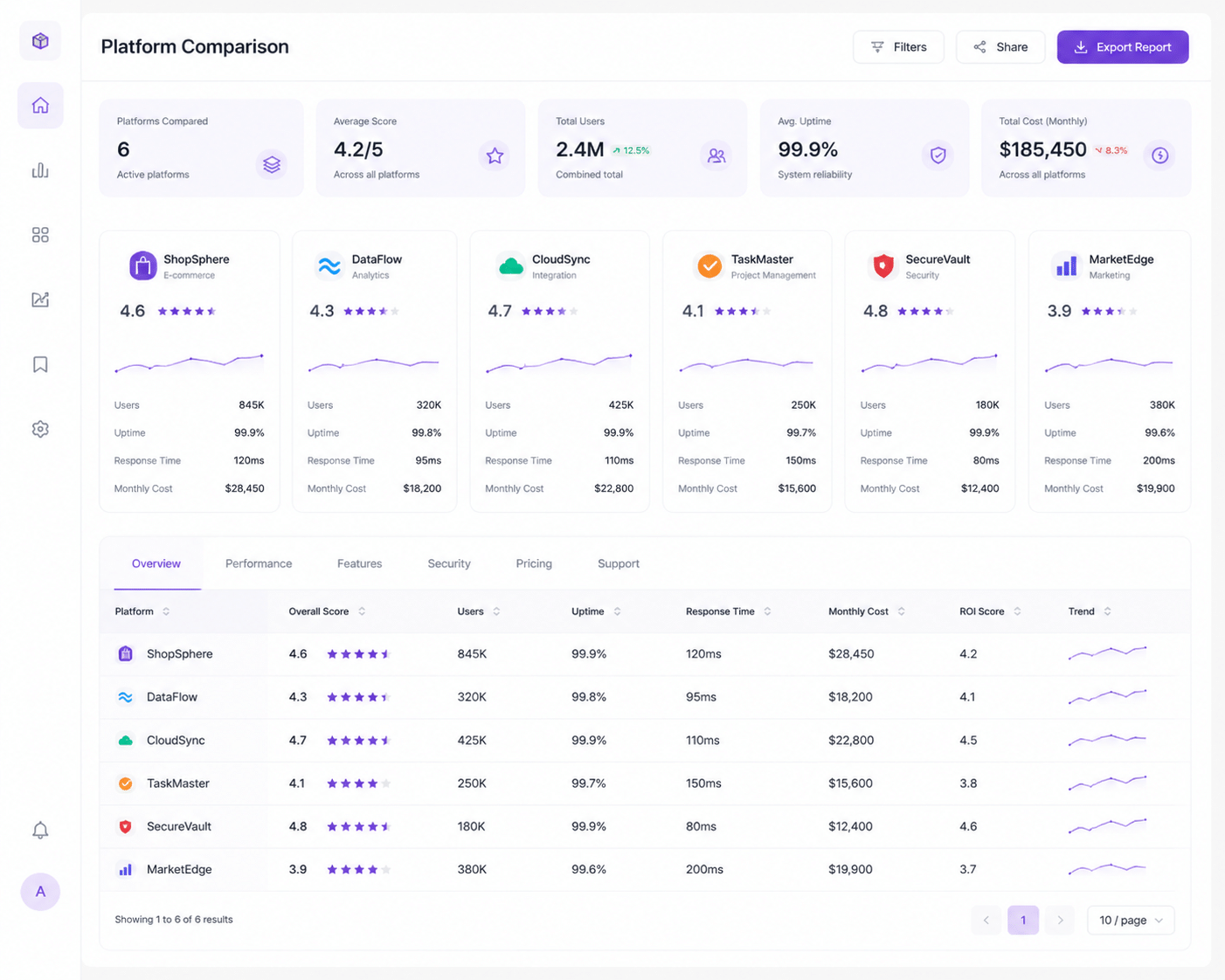
I can't tell you one tool wins for everybody. But I can show you how three common choices stack up for a team that gets leads from IndiaMart, ads and forms. Pricing changes often, so check each vendor's current plans before you commit.
Option 1: Leadopal (The All-in-One Choice)
Leadopal is built for Indian MSMEs, especially manufacturers, wholesalers and traders who live on marketplace leads. It's the one that lines up with every problem we've covered so far.
Here's what stands out:
Native lead feeds. IndiaMart, TradeIndia, JustDial, Google Ads, Facebook Ads, webhooks and custom forms all drop into one pipeline. No CSV uploads.
Unified inbox. SMS, WhatsApp (official API plus your reps' numbers) and email sit in one view, so a manager can see who said what.
Built-in invoicing. Quotes, tax invoices and QR payment codes live next to the lead. That means the payment reminder text we talked about earlier doesn't need a second tool.
Automation and targets. A drag-and-drop builder handles routing and follow-ups. Sales targets are tracked per rep.
DND-aware SMS. Bulk SMS comes with template management and DND-compliant segments.
The catch? It's a bigger tool than a simple sender, so give your team a couple of weeks to settle in. Also, I couldn't find public pricing, so ask for a current quote.
Option 2: Zoho CRM (Powerful, But Heavier)
Zoho CRM is a serious product. Flexible, lots of modules, and a huge ecosystem. If you have someone who enjoys configuring software, it can do almost anything.
But for a small Indian sales floor, a few things pop up. Pricing is per user, and the entry Standard plan is reported at US$14 per user per month on annual billing. That grows quickly with every rep you add. WhatsApp can come through a marketplace extension or custom work, and one Indian implementation partner says custom builds start at ₹40,000. Plus Meta's message charges apply separately.
I also found no solid review confirming easy, one-click IndiaMart integration. So ask for a live demo of that exact connection before you sign.
Option 3: Textlocal or MSG91 (The Budget Starting Point)
If all you need is reliable sending, this is a sensible place to begin. Both are strong on pure SMS delivery and DLT compliance. Textlocal also offers a WhatsApp API, though it's quote-based and depends on your volume.
The limits show up when your team grows. They're built to broadcast, not to run a pipeline. Lead sources need API work or a connector, replies don't turn into rep tasks, and there's no quote or invoice link. Fine for festival offers. Painful for daily follow-up.
Side-by-Side Comparison
Platform | Best For | IndiaMart Integration | Integrated WhatsApp? | Pricing Model | Key Limitation for MSMEs |
|---|---|---|---|---|---|
Leadopal | MSMEs with several lead sources, a sales team and invoicing needs | Native, along with TradeIndia, JustDial and ad platforms | Yes, official API and shared inbox in the same pipeline | Quote-based, confirm current plans | Bigger than a simple sender, so there's a short learning curve |
Zoho CRM | Teams with in-house admin skills and complex needs | Needs a connector or custom setup, so verify first | Yes, via extension or custom build | Per user, from US$14/month (annual billing) | Setup effort and costs add up with each rep |
Textlocal / MSG91 | Occasional bulk SMS and OTP-style sending | Not a core feature, needs API work | WhatsApp API offered separately from any lead pipeline | Per message, WhatsApp API on quote | No real CRM depth or workflow automation |
So if your leads come from marketplaces, your reps live on WhatsApp, and you want one record from enquiry to payment, Leadopal is the most natural fit. Next, let's wrap up what to do with all this.
Conclusion: Stop Leaking Leads and Start Converting with an SMS CRM
Here's the plain truth. Manual follow-up doesn't fail because your team is lazy. It fails because buyers move fast, and memory, sticky notes and personal phones can't keep up.
An SMS CRM fixes the speed problem and the system problem together. Every lead gets a quick, personal text. Every reply lands on the right profile. Every next step has an owner. That's it. No magic.
Here's what you get when it all clicks:
More conversions. Fewer enquiries go cold, because replies happen in minutes, not evenings.
A faster team. Reps spend less time hunting for old chats and more time actually selling.
Professional communication. Quotes, reminders and payment nudges go out on time, from a trackable channel.
One source of truth. Your pipeline, messages and numbers live in one place, even when a rep leaves.
Susan Thomas, CEO of 10Fold Communications, put it simply: "Automate, optimize, and systematize!" For a small sales floor, that's the whole game.
So what's your next step? Take the checklist from earlier, pick your three busiest lead sources, and see if one platform can handle them together. An all-in-one setup is usually the cleanest way to get there.
Ready to Unify Your Sales?
Stop losing follow-ups. See how one platform can bring your leads, SMS, WhatsApp, email and invoicing together.