
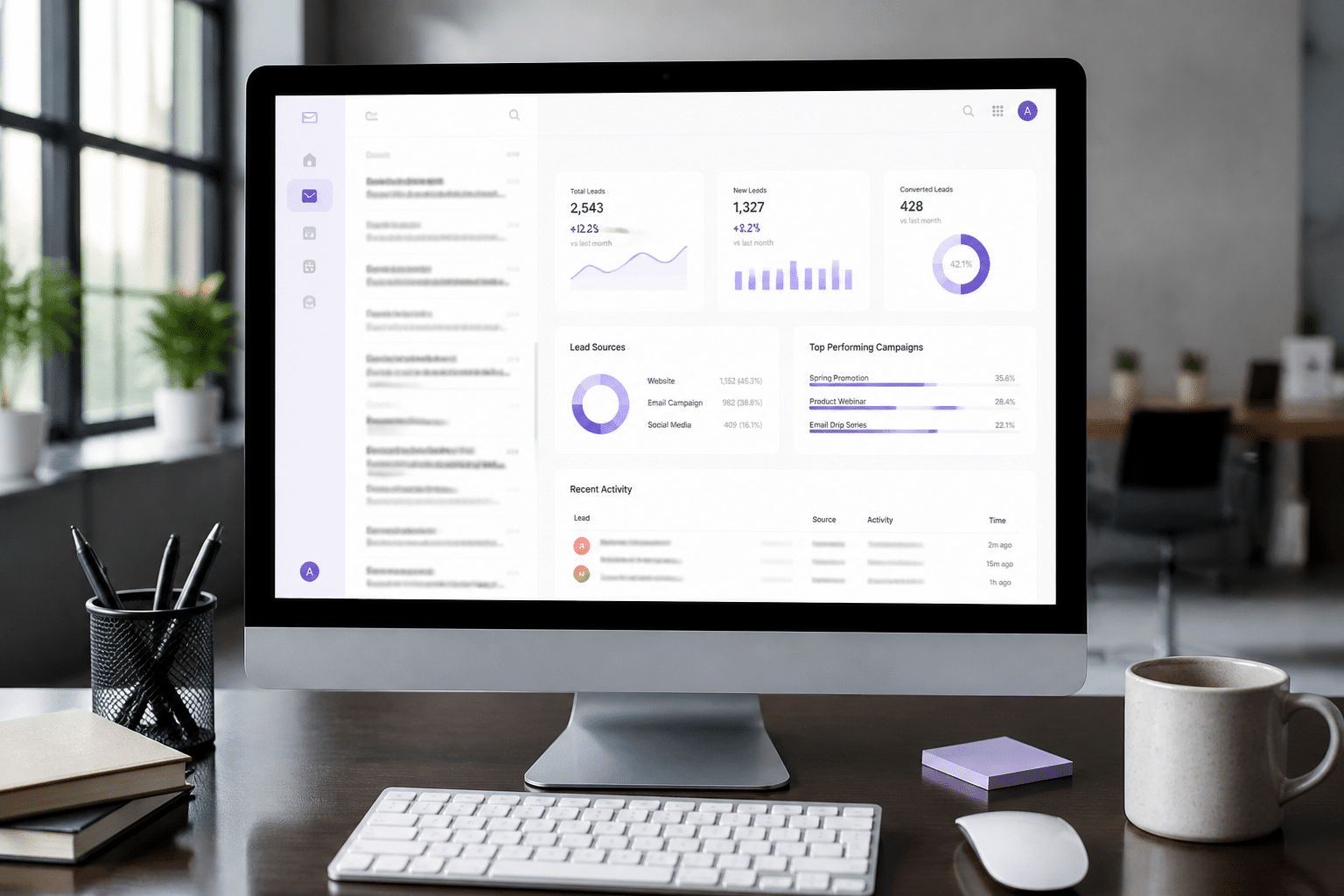
Stop Sending Emails into a Black Hole: Why Your Sales Process is Leaking Money
You send a quotation at 11am. Then you wait. Did the buyer open it? Read it? Forward it to your competitor? No idea.
We've all been there. And if you run a small manufacturing or trading business in India, it probably happens a dozen times a week.
Here's a number that stings. A Harvard Business Review study of 1.25 million leads found that companies who contacted a lead within one hour were nearly 7 times more likely to qualify it. But only 37% of companies replied that fast, and 23% never replied at all. Ouch.
Then there's the follow-up problem. Yesware's analysis shows that 70% of unanswered sales email chains stopped after the first attempt. Yet follow-ups matter a lot. Belkins looked at 7.5 million emails and found that 58.6% of replies came from follow-up messages. So the people who give up early are quitting right before the good part.
So where does the money actually leak?
Usually it looks like this:
Leads from IndiaMart or JustDial sit unanswered in one person's inbox.
A salesperson forgets the follow-up they promised.
Two reps send two different prices to the same buyer.
You, the owner, can't see the full conversation.
Nobody knows if a lead is new, active, or already gone cold.
That's not a people problem. It's a visibility problem.
Enter the email CRM
An email CRM fixes this. Think of Gmail as a desk full of conversations. An email CRM is that same desk plus a filing system, a reminder list, and a dashboard. Every email connects to a lead, an owner, and a next step. You can see opens, clicks, and replies, so you know who's warm and who's gone quiet.
Here's the difference at a glance:
Plain email (the black box) | Email CRM (with visibility) | |
|---|---|---|
Was it opened? | No idea | Yes, you see it |
Did they click the quote? | No idea | Yes, you see it |
Who owns the lead? | Whoever remembers | One named person |
Next follow-up | In someone's head | Dated and tracked |
This guide shows Indian MSMEs how to use email tracking and sales email analytics to turn more leads from IndiaMart, JustDial, and similar sources into paying customers. Let's start with what an email CRM really is.
What is an Email CRM? Moving Beyond Spreadsheets and Scattered Inboxes
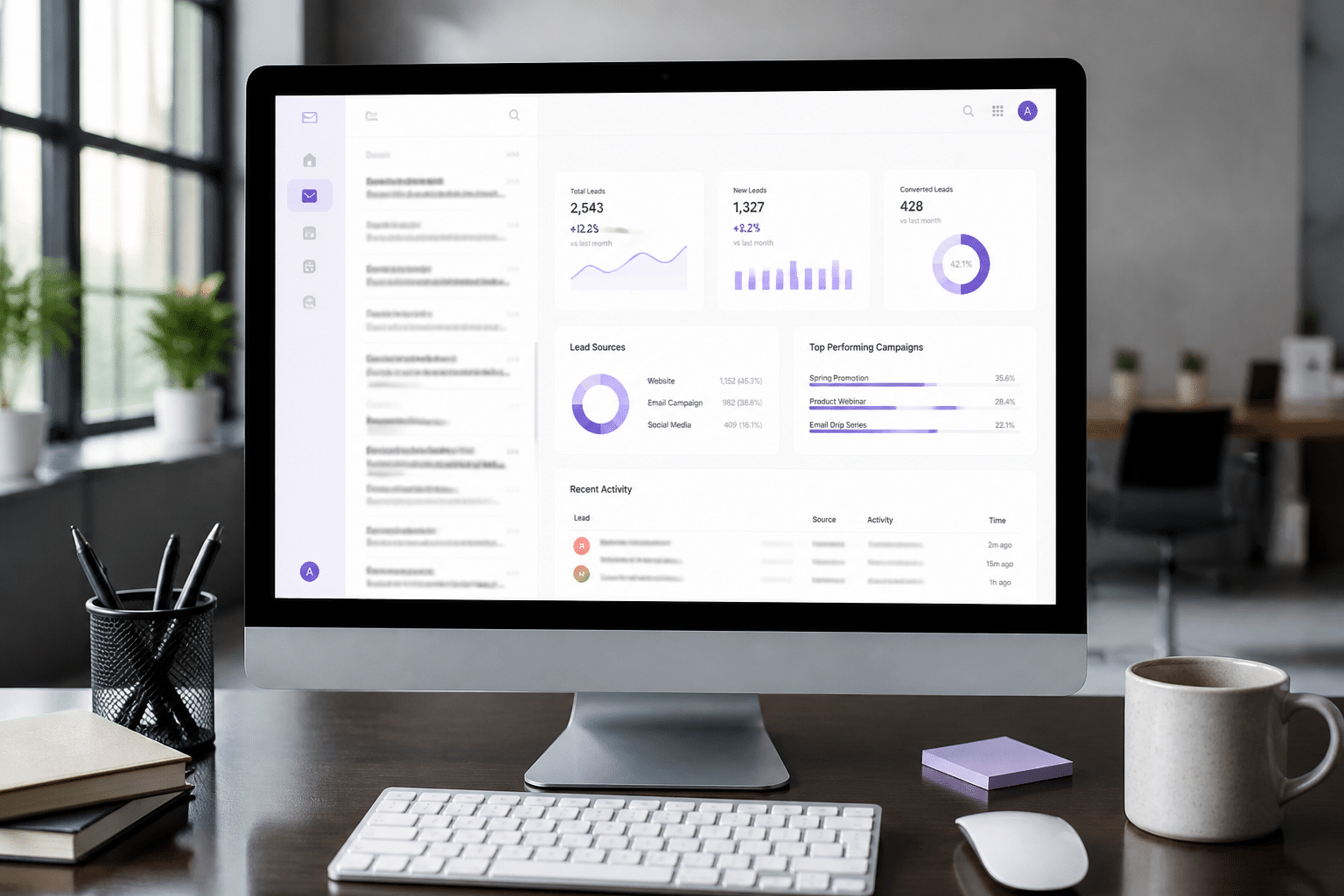
Let's keep this simple. An email CRM is one system that connects your email to your lead pipeline. Every message you send or receive gets saved against the right lead. Automatically. No copy-pasting, no "I'll log it later."
The name sounds technical. The idea isn't. CRM just means customer relationship management, which is a fancy way of saying "remember who you talked to and what happens next."
Gmail vs. an email CRM, in plain words
Gmail is like an inbox full of customer conversations. An email CRM is that same inbox plus a labelled filing system, a task manager, a sales pipeline and a dashboard. So every message is tied to a deal and a next step.
Gmail can show you what was said. A CRM answers the harder questions. Who owns this lead? What stage is it in? When's the next follow-up? Is this deal going cold?
Before and after: what changes day to day
Picture a trading business in Rajkot. Leads come from IndiaMart in the morning and JustDial by noon. One rep logs them in Excel. Another replies from his personal Gmail. The owner checks three marketplace dashboards just to see what's new. Sound familiar?
That setup breaks in predictable ways. Excel can hold a "next follow-up" date, but it won't remind anyone or flag leads that nobody has touched. Follow-up depends on someone remembering to open the sheet. And manual entry means duplicate contacts and stale deal stages.
Now the "after." Leads from every source land in one pipeline. Each email thread sits right next to the lead it belongs to. Anyone on the team (with permission) can see the full history in seconds.
Managing sales with spreadsheets | Managing sales with an email CRM | |
|---|---|---|
Visibility | Scattered across sheets, inboxes and marketplace dashboards | One view of every lead and its email history |
Speed | Someone has to notice the lead first | New leads are assigned and acknowledged fast |
Automation | Almost none, reminders live in people's heads | Follow-ups, reminders and lead routing run on their own |
Data quality | Duplicates and outdated stages creep in | Records update as emails come and go |
Ownership | Whoever remembers | One named person per lead |
Reporting | Built by hand, usually late | Live dashboard anytime |
How common is the spreadsheet way? One 2025 industry estimate put it at 73% of businesses using spreadsheets as their main CRM. I wouldn't treat that as an official India number (it's not a formal survey), but it tells you manual tracking is still everywhere.
The real win: your inbox becomes a sales intelligence engine
Here's the core benefit of a CRM with email tracking. Your inbox stops being just a messaging tool. It starts telling you things.
You see who opened your quotation. Who clicked the price link. Who replied, and who went quiet after day three. That's sales intelligence, and it turns guesswork into a short list of people to call today.
A tool like Leadopal, for example, pulls leads from IndiaMart, TradeIndia and JustDial into one pipeline and keeps email conversations in a unified inbox. That's the kind of setup we mean.
So what should a good email CRM actually do? Let's look at the features worth caring about next.
The Must-Have Features of an Email CRM for High-Growth MSMEs

Not every email CRM is built the same. Some look shiny in a demo and then gather dust. So let's talk about the three features that actually move deals forward: tracking, a shared inbox, and templates with automation.
Real-time email tracking: know what happened after you hit send
This is the feature that ends the black hole. A CRM with email tracking shows you what the buyer did with your message. Here's what the main numbers mean for your sales team:
Metric | What it tells you | What to do with it |
|---|---|---|
Open rate | The buyer at least saw your email | Treat it as a rough hint only |
Click-through rate | They clicked your quotation PDF or price link | Call them today, they're interested |
Reply rate | They answered | Stop the automated follow-ups and talk |
No open after 3 days | Message may be buried | Try a new subject line or another channel |
One warning. Opens aren't as trustworthy as they used to be. Apple Mail Privacy Protection and security scanners can inflate open numbers, so clicks and replies are the better signal. Say a buyer in Pune opens your quote three times and clicks the price link twice. That's a warm lead. Your rep should pick up the phone.
There's no perfect India-wide benchmark to chase here. Reported click rates swing a lot depending on the list and the audience. A 2025 B2B roundup reported a 2% average click-through rate, which is a fair starting point for cold outreach. Your own IndiaMart leads should do much better, since those buyers asked to hear from you.
One unified email inbox for the whole team
Now picture you're the sales manager. Four reps, forty conversations, and no clue what anyone promised. A unified email inbox CRM fixes that. Every rep's customer emails land in one shared place, tied to the lead they belong to.
What that gives you:
You can read any thread and check the price quoted. No more two rates for one buyer.
Quality stays consistent because you spot weak replies early and coach on them.
Handovers get easy. If Rakesh goes on leave or quits, Priya opens the lead and sees the whole history.
Nothing hides in a personal Gmail account.
This matters most in a small business, where one rep leaving can take half your customer knowledge with them. Leadopal keeps email conversations in a unified inbox, with role-based permissions, so reps only see what they should.
Templates and automated follow-up that nobody forgets
Here's where you get hours back. Most MSME emails repeat themselves: the first reply to an enquiry, the quotation, the nudge a few days later. Write each once, save it as a template, and fill in the name, product and price automatically.
IndiaMART's own guidance suggests replying quickly, keeping messages relevant and asking open-ended questions. A good quotation template covers product, quantity, price, GST and freight, dispatch time and payment terms. Same layout every time. Looks professional, and nobody has to retype.
Then add an automated email follow-up system on top. A simple three-step sequence for a new lead looks like this:
Day 0: Confirm the enquiry, send the quotation, ask one question.
Day 3: Share something useful, like a spec sheet or sample offer. Skip the lazy "just checking in."
Day 7: Ask if the requirement is still active and offer to revise quantity or delivery.
The best systems stop the sequence the moment the buyer replies. Nobody wants a robot nagging someone who already answered. In a drag-and-drop builder like the one in Leadopal, you set this up by dropping in steps and waiting periods, no coding needed. The same builder can route new leads to the right rep, so every lead gets an owner and a dated next step.
Tracking, a shared inbox and automation make up the core. Next, let's see how to read those numbers and turn them into revenue.
From Data to Deals: Turning Sales Email Analytics into Revenue

Tracking is nice. But numbers sitting on a screen don't pay your rent. The money comes when someone acts on them.
So let's talk about three ways to turn sales email analytics into actual orders: spotting hot leads, fixing your messaging, and coaching your team.
Spot the hot leads and call them today
Here's the deal. Not every lead deserves the same attention on the same day. With email tracking for sales teams, you can see who's leaning in.
Think about a buyer who opens your quotation three times, clicks the price link twice, and does it all in one afternoon. That person is probably comparing rates right now. Call them. Don't wait for day three of your follow-up sequence.
One word of caution. Don't judge by opens alone, since privacy features can fake them. Clicks, replies and repeat visits tell you more. Some case studies on lead scoring suggest that routing high-engagement leads to sales quickly, and putting the rest into automated nurture, helps conversion. Treat those numbers as a direction, not a promise (they come from vendor write-ups).
Here's a simple way to think about the journey of a hot lead:
Stage | What you see in the CRM | What your rep does |
|---|---|---|
Sent | Quotation delivered, no activity yet | Wait, and let the Day 3 follow-up run |
Warm | Opened once or twice | Send a useful spec sheet or sample offer |
Hot | Multiple opens plus a click on the price or PDF | Call within the hour |
Replied | Buyer answered | Pause automation, talk or WhatsApp them |
Cold | No activity after 7 days | Ask if the requirement is still active |
Simple. And it saves your best rep's time for the calls that matter.
Want to stop losing leads?
See how Lead Opal helps you capture, track, and follow up on every lead — automatically, across WhatsApp, Email & SMS.
Fix your messaging with real numbers
Most of us write subject lines by gut feel. I've done it too, and honestly, my gut was wrong a lot.
An email CRM shows which templates and subject lines get clicks and replies. Then you can test. Try "Quotation for [Product] from [Company]" against "Your [Product] pricing is ready." Change only one thing at a time. Otherwise you won't know what worked.
A few ground rules:
Aim for at least 100 to 200 recipients per version, if your list allows it.
Judge winners by clicks, replies and orders, not just opens.
Keep the winner, then test it against a fresh challenger.
Small lists make this slow. That's fine. Even one clear lesson a month beats guessing.
Coach your team with data, not hunches
Now the manager's view. Say you've got four reps. Without data, you only hear about problems when a customer complains.
With email CRM analytics, you can see who sent follow-ups on time, who let leads sit, and who gets replies. Here's a sample of what a rep dashboard might show:
Rep | Leads assigned | Replied within 1 hour | Follow-ups done on time | Quotes sent | Orders won |
|---|---|---|---|---|---|
Rakesh | 40 | 82% | 90% | 28 | 9 |
Priya | 38 | 60% | 95% | 30 | 11 |
Amit | 42 | 35% | 48% | 18 | 4 |
Look at Amit. He isn't lazy, maybe. But his response time and follow-ups are the weak spot, so that's where coaching starts. Priya replies slower than Rakesh yet wins more, so maybe her quotes are just better. Ask her to share her template.
The trick is to compare each step: activity, engagement, quotation, order. Then coach the weakest stage, not just the person sending the fewest emails. Leadopal's sales target tracking and unified analytics dashboard let you view this by rep and by week, month or quarter.
Next up, let's look at what happens when email stops working alone and teams with WhatsApp, SMS and invoicing.
The All-in-One Advantage: Integrating Email with WhatsApp, SMS, and Invoicing
Email is great. But it isn't where all your buyers live.
Here's a number that surprised me. In the Indian SMB CRM Benchmark Report 2026, 67% of surveyed Indian SMBs named WhatsApp as their main channel for first sales contact. Phone calls came in at 54%. Email? 31%. (To be fair, that's a preference survey, not a count of every sales message in India.) Still, the pattern is clear. If your email CRM sits alone, you're only seeing a slice of the conversation.
Why email alone leaves gaps
Picture a buyer in Ludhiana. She sends an enquiry on TradeIndia, reads your email on her laptop, then replies on WhatsApp from her phone. Meanwhile your rep sends an SMS from a different tool. Three channels, three places, zero full picture.
That's how deals slip. Someone says "I already told them the price on WhatsApp," and nobody can find the chat. And if that rep leaves? The history goes with him.
One HomeLane case study reported that WhatsApp leads converted to orders at 2.8%, compared with 1.3% for email, SMS and other older channels. Vendor numbers, so take them as a hint. But they say the same thing: reach people where they actually reply.
A multi-channel journey in one lead profile
Here's how it can look when everything sits in a single system. Say a lead lands from TradeIndia at 10:15am.
Step | Channel | What happens | Where it's recorded |
|---|---|---|---|
1 | Automation | Lead is pulled in and assigned to one rep | Central lead profile |
2 | Instant acknowledgement plus quotation goes out | Same profile, with opens and clicks | |
3 | Rep sends a quick note to confirm quantity and city | Same profile, shared inbox | |
4 | SMS | Short reminder on Day 3 about the quotation validity | Same profile |
5 | Reply | Buyer answers, so automated steps pause | Same profile |
6 | Deal won | Quotation turns into an invoice | Same profile |
Each channel does its own job. WhatsApp is for fast back-and-forth. Email carries the detailed quote and spec sheets. SMS handles short, time-sensitive nudges. No need to blast the same message three times (nobody likes that).
Leadopal is built around this idea. It connects lead sources like IndiaMart, TradeIndia and JustDial with email, official WhatsApp Business API access and bulk SMS, so the whole story shows up on one lead card. Managers can also see rep conversations in a shared WhatsApp inbox instead of guessing what's on personal phones.
From quotation to invoice without retyping
Now the part most people forget. The sale isn't done when the buyer says "OK, send it."
When invoicing lives in a separate tool, someone has to copy names, items, prices and discounts by hand. That's where mistakes sneak in. Disconnected sales and accounting records can mean wrong invoices, late billing, and discounts that never reach the bill. Slow billing also means slow payment.
With an integrated setup, you send the quotation by email, track whether the buyer opened it, and once the deal is won, turn that same quotation into a sales or tax invoice. Details carry over. Nothing gets retyped. Leadopal's invoicing suite handles quotations with variations, GST-ready tax invoices and embedded payment QR codes, so "won" really means "ready to bill."
Make sense? Fewer tabs, fewer errors, faster cash.
Of course, not every all-in-one tool is the right fit for every business. So next, let's talk about how to pick one without getting burned.
How to Choose the Right Email CRM for Your Business in 2026
Picking a CRM feels a bit like buying a truck. Everyone has an opinion, every salesperson swears theirs is the best, and you only find the problems after the money's gone.
So let's keep it practical. Here's what to check before you sign anything.
The checklist for Indian MSMEs
A CRM can look great in a demo and still fall flat on your actual work. Run every option through these questions:
Direct lead integrations. Does it pull leads from IndiaMart, TradeIndia and JustDial on its own? Or do you copy and paste?
Official WhatsApp API access. Your buyers live on WhatsApp. Ask if it's the official API, and whether managers can see rep chats.
GST-ready invoicing. Can a won quotation turn into a tax invoice without retyping?
Real email features. Look for tracking, a shared inbox and automated follow-ups that stop when the buyer replies.
Clear pricing. Ask what's included: users, email limits, WhatsApp charges, setup fees and GST.
On pricing, mainstream CRMs for Indian SMBs usually run from free plans up to about ₹2,600 per user per month, and a typical sweet spot sits around ₹800 to ₹2,000 per user per month, before GST. Watch for add-ons, though. The sticker price is rarely the final price.
Three types of tools, side by side
Most options fall into one of three buckets. Here's how they compare for a small manufacturer or trader:
Generic global CRM | Standalone email tool | All-in-one India-focused platform | |
|---|---|---|---|
Lead sources | Mostly web forms and ads; IndiaMart and JustDial often need extra setup | Imports lists, no marketplace pipeline | Direct IndiaMart, TradeIndia, JustDial, ads and forms |
Communication | Email, with WhatsApp as a paid add-on | Email only | Email, official WhatsApp API and SMS together |
Invoicing | Usually a separate tool | None | Quotations and GST-ready invoices built in |
Pricing model | Per user, with tiers and add-ons | Often by contact count | One platform, India pricing |
Setup effort | Heavy, often needs a consultant | Light, but you still need a CRM | Moderate, connect your sources and go |
No bucket is perfect for everyone. If you only send newsletters, a standalone email tool is fine. But if leads, WhatsApp and billing all matter to you, stitching three tools together gets messy fast.
Ease of use and local support matter more than features
Here's a hard truth. A CRM your team doesn't open is just an expensive bookmark.
Your reps probably aren't tech people, and that's fine. The tool should feel easy in the first week. Ask yourself:
Can a new rep learn the pipeline in an afternoon?
Can you build a follow-up sequence without coding?
Is support available in your time zone, and in a language your team is comfortable with?
Do they help with onboarding, or just send you a help article?
During the demo, don't watch slides. Ask them to import a real lead, send an email, set a follow-up and show the report. Then ask what happens to your data if you leave. A good vendor answers without squirming.
Two traps to avoid
Trap 1: the overly complex global CRM. These tools are powerful. They're also built for Western sales teams, with long setup and lots of options your team won't touch. You end up paying for features nobody uses, then paying a consultant to connect IndiaMart.
Trap 2: the cheap tool with missing pieces. A low price looks great until you find there's no marketplace integration, no WhatsApp API and thin support. Then you buy more tools, and you're back to juggling tabs.
The sweet spot is usually something built for how Indian MSMEs actually sell. Leadopal is one example of that approach, bundling lead capture, email, WhatsApp, SMS and invoicing in one place.
Once you've picked a tool, the real work is using it every day. Let's wrap that up next.
Transform Your Email into Your Most Powerful Sales Asset
Here's the whole story in one breath. Emails go out. Buyers read them (or don't). Without a system, you never find out which. With an email CRM, you do.
That's the shift. Your inbox stops being a black hole and starts being a sales tool. Leads get an owner. Follow-ups get a date. Your team gets a shared view, and you get fewer "who was supposed to call him?" moments.
Your top 3 takeaways
# | Takeaway | What it means for your business |
|---|---|---|
1 | See what happens after you hit send | Opens, clicks and replies tell you who to call today |
2 | Give every lead an owner and a next step | Fewer forgotten follow-ups, clearer team accountability |
3 | Bring email, WhatsApp, SMS and invoicing together | A more professional experience for buyers, and faster billing for you |
None of this needs a big team or a huge budget. It just needs a better habit.
Try this before the week ends
Pick the last 20 leads your team handled. Check three things:
Did each one get a reply fast?
Does each one have a named owner?
Is there a dated follow-up for every open deal?
If you can't answer those in five minutes, you've found your leak. Honestly, most of us find a few.
The fix is simpler than it feels. Choose a tool built for how Indian MSMEs actually sell, one that pulls in IndiaMart, TradeIndia and JustDial leads and keeps email, WhatsApp, SMS and invoices in one place. Leadopal is built that way, and you can see how it works at Leadopal.
Your next quotation goes out soon. Make sure you know what happens after "Sent."