
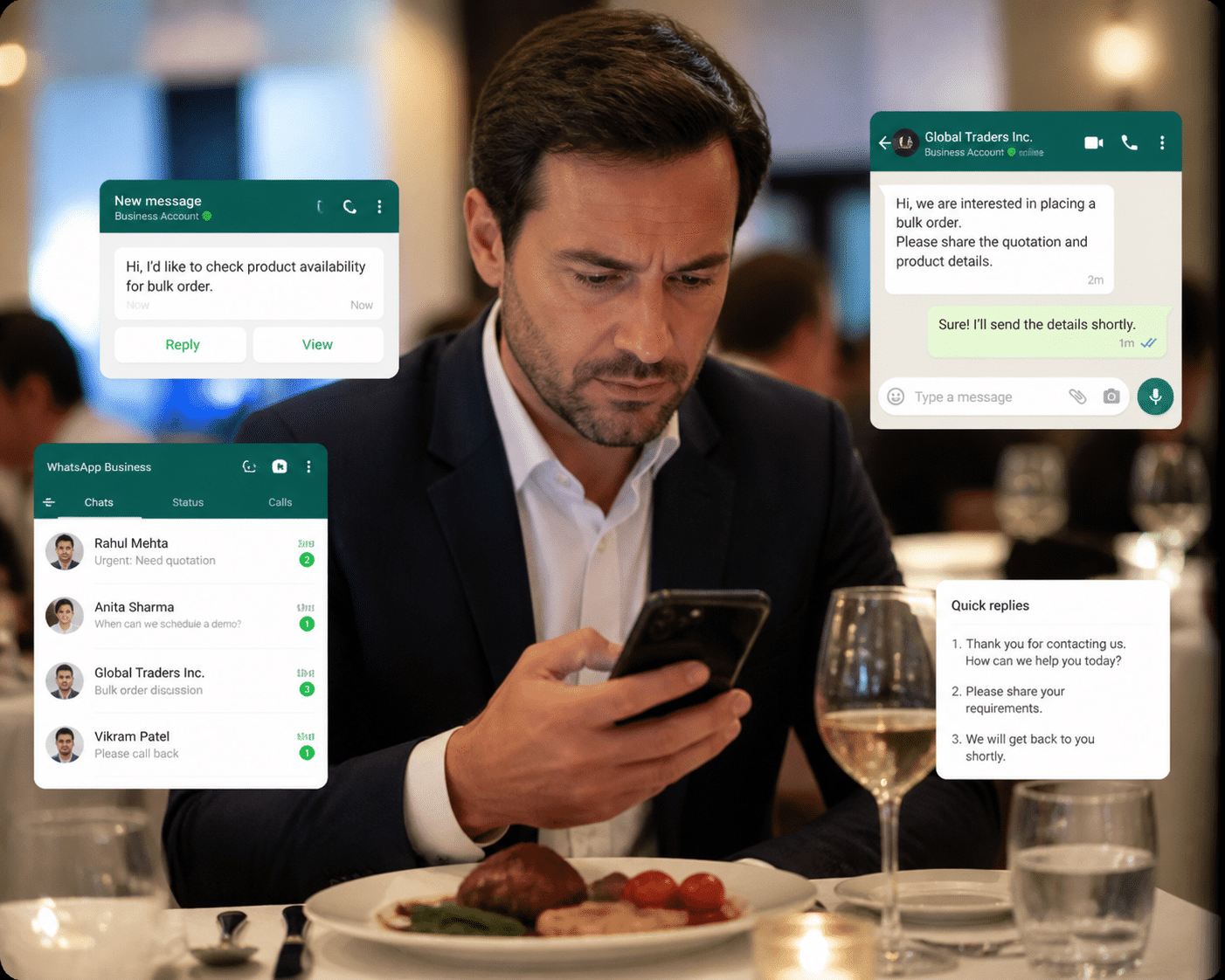
Introduction: Moving Beyond Chaos - Why Your MSME Needs a Real WhatsApp CRM
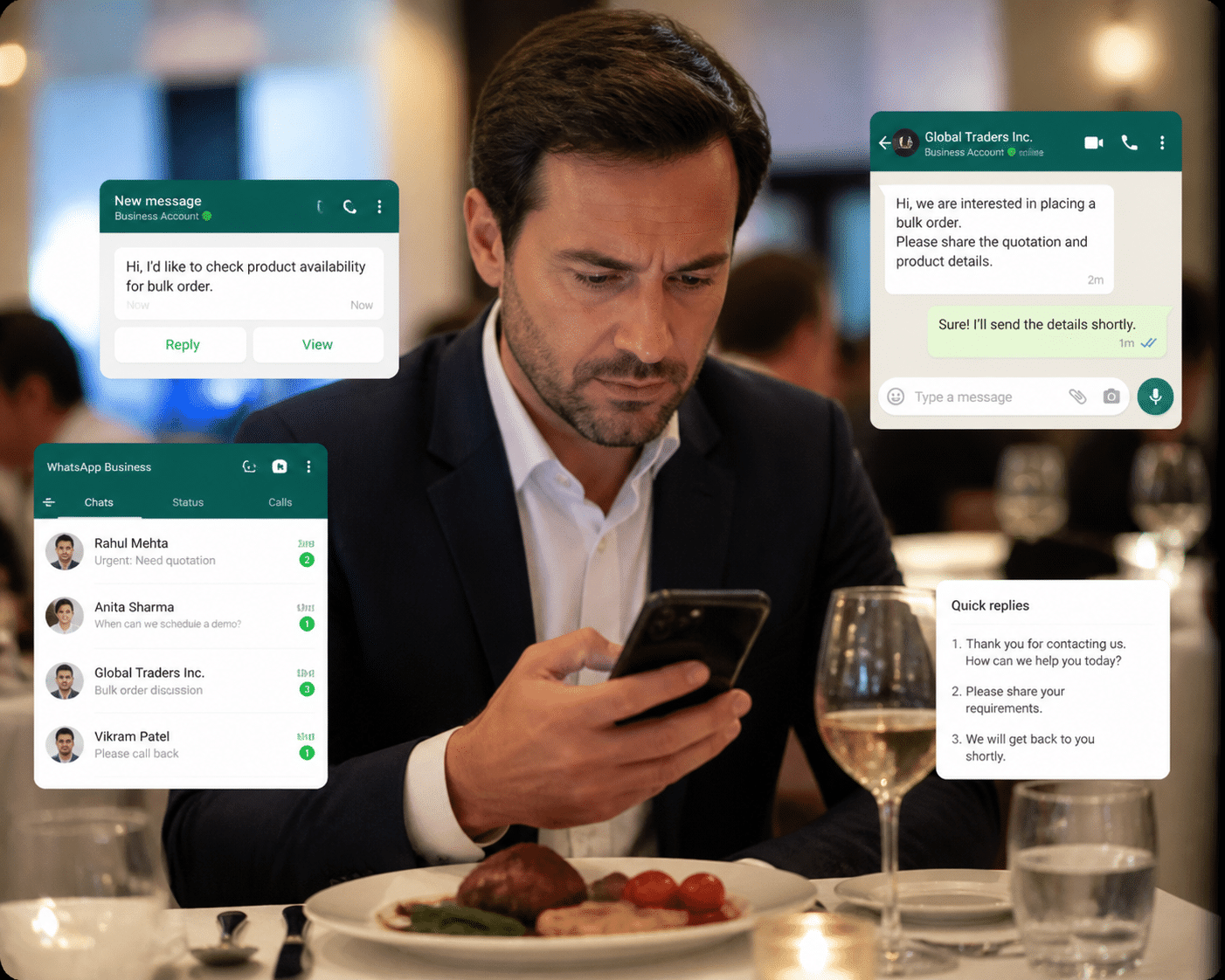
Picture a sales rep in Surat. It's 9:40pm. A new IndiaMart enquiry pings his personal phone, he's at dinner, and he thinks, "I'll reply tomorrow." Tomorrow comes. The buyer already chatted with someone else.
Sound familiar?
WhatsApp isn't just a messaging app for Indian businesses anymore. It's where deals actually happen. One 2026 industry analysis says roughly 80% of Indian small businesses use WhatsApp to talk to customers. (It's an industry estimate, not a government number, but it matches what most of us see every day.)
The problem? Most teams run it on personal numbers, scattered phones and half-updated spreadsheets. Nobody sees who replied. Nobody knows which lead went cold. And when a rep quits, the whole chat history walks out the door with him.
Speed matters more than most owners think. A Harvard Business Review study of 2,000+ companies found that contacting a lead within 5 minutes made a business 21 times more likely to qualify that lead than waiting 30 minutes.
That's where a WhatsApp CRM comes in. Think of it as the nerve center for your sales team. It pulls leads together, puts every chat in one place, and makes replies look professional instead of random.
But not every tool earns the label of best WhatsApp CRM. Plenty look good in a demo and fall apart on a real Tuesday. So this guide walks through six must-have features, picked for Indian traders, manufacturers and distributors who live on marketplace leads and WhatsApp chats. Let's start with the foundation.
1. Official WhatsApp Business API Integration: The Foundation of Trust and Scale

Here's a story I hear a lot. A distributor in Ludhiana sends a festive offer to 800 customers from a regular number. By evening, the number's blocked. Orders stop. Nobody can even say "sorry, we'll fix it," because the chats are gone from reach.
That's the risk of building a sales pipeline on the wrong WhatsApp setup. So let's sort out what you're actually choosing between.
Personal App, Business App or Business API?
There are three ways Indian teams use WhatsApp. Most start with the first two and hit a wall.
Feature | Personal WhatsApp | WhatsApp Business App | WhatsApp Business API (via CRM) |
Number of Users | One phone, a few linked devices | One phone, a few linked devices | Many agents on one number |
Broadcast Limit | Small lists (around 256 contacts) | Small lists (around 256 contacts) | Large campaigns, within Meta's approved limits |
Automation Capability | None | Basic quick replies and away messages | Full workflows, routing and chatbots |
Risk of Ban | High if used for bulk sending | Medium to high for heavy outreach | Low when you follow opt-in and template rules |
Green Tick Verification | No | Not generally available | You can apply |
Then there are unofficial automation tools. They're the sneaky fourth option. They hook into a normal account with browser tricks and promise "unlimited" messaging. Cheap, yes. Safe? Not even close.
Why the Official API Is the Only Way to Scale
The API is built for businesses that outgrow one phone. With a CRM sitting on top, you get a few big wins:
Green Tick credibility: Verified accounts help customers tell you apart from impersonators. It's a trust signal, though not a magic sales button.
Bulk broadcasts that don't get you banned: You can message large lists, as long as people opted in.
Pre-approved templates: These let you reach out first, like sending a quote reminder or a new stock alert, after Meta approves the wording.
Cost is the usual worry. One 2026 India pricing guide puts typical SMB provider plans at about ₹1,500 to ₹5,000 a month, plus Meta's per-message charges. Rates have shifted, so ask any vendor for an itemised quote.
What Happens When You Skip the API
WhatsApp's own Business Messaging Policy says it can limit, rate-limit, suspend or end access when a business sends unauthorised bulk messages or draws lots of blocks and reports. There's no neat fine. The real penalty is losing your number.
And for a sales team? That's the whole pipeline, gone overnight. No support line to call, either.
This is why Leadopal offers official API access for broadcasts and messaging, while also letting reps' personal and API numbers sit in one shared inbox. Safe scale first. Then comes the harder part: getting every lead into one place.
2. Unified Lead Capture from All Sources (Especially IndiaMart & TradeIndia)
Here's something that surprises people. The best WhatsApp CRM isn't really about WhatsApp. Not first, anyway.
WhatsApp is where you talk to the buyer. But if the lead never reaches your team, there's nobody to talk to. So a good tool has to work as a full lead management system, and its main job is simple: stop leads from scattering.
Why Marketplace Leads Go Missing
Let's say you sell industrial valves on IndiaMart. A buyer sends an enquiry. You get a panel alert, an email and an SMS. Three pings, one lead. Someone copies it into Excel. Someone else copies it too. Now there are two rows, two owners and one confused buyer.
The delivery side is a bit different on each platform. IndiaMART's own help pages describe a pull API, where your CRM asks for new leads every few minutes, and a push option that sends leads straight to your system. TradeIndia is less tidy. From what I've seen, most teams end up parsing notification emails or uploading CSV files from the seller dashboard.
That's where the pain starts:
Leads that land after office hours sit until morning
Alerts get missed, so some enquiries never get written down
Copy-pasting creates duplicates and arguments about who owns what
Phone numbers or product details go missing
Spreadsheets don't remind anyone to follow up
Weird, right? You paid for the lead, and then your own process lost it.
What Direct Integrations Should Do
A proper indiamart lead management software setup should pull leads in automatically, tag the source, remove duplicates and assign an owner. Same for TradeIndia and JustDial. No copying. No "I thought you had it."
Leadopal, for example, connects directly with IndiaMart, TradeIndia and JustDial, so these enquiries drop into one pipeline the moment they arrive. Then WhatsApp follow-up can start fast, which matters given that 5-minute reply window we talked about earlier.
Don't Forget the Other Doors
Marketplaces are only part of the story. Buyers also find you through:
Google Ads
Facebook Lead Ads
Your website contact form
Custom forms, webhooks and QR codes at stalls or on packaging
If any of these sit outside your CRM, you've got a hole in the bucket. I'll be honest, I used to think two or three sources were fine to track by hand. Actually, scratch that. It breaks the moment you run one decent ad campaign.
Here's how the consolidated lead pipeline looks when it's set up right:
Lead source | What happens | Where it ends up |
IndiaMart | Enquiry is pulled or pushed in automatically | One central pipeline |
TradeIndia | Lead is captured and mapped to the right fields | One central pipeline |
JustDial | Caller details arrive with source tag | One central pipeline |
Facebook and Google Ads | Form fills sync in real time | One central pipeline |
Website and custom forms | Submissions flow in, with QR scans tracked | One central pipeline |
One pipeline. Every source tagged. That also helps later, because you can finally see which channel brings paying buyers and not just noisy enquiries.
Next up: once leads are all in one place, your whole team needs to see the conversations around them.
3. A Shared Team Inbox for Full Conversation Visibility

You know that sinking feeling when your best salesperson hands in his notice? It's not just the empty chair. It's the 400 WhatsApp chats sitting on his personal phone, every quote, every promise, every "I'll send samples Monday." All of it leaves with him.
That's the quiet cost of running sales on personal numbers.
The Problem With Personal WhatsApp Numbers
Most Indian MSMEs don't plan it this way. It just happens. A rep gets a lead, saves the number on his own phone and starts chatting. Simple, fast, free.
But look at what you've actually built:
Every chat lives on one person's device, so nobody else can see it
A rep on leave means customers wait, or get a confused reply from someone who has no context
Quotes and special prices sit in private threads, so you can't check what was promised
When someone quits, the customer relationship goes with them (and sometimes straight to a competitor)
Those chats are company assets. Customer names, order history, price talks. Treating them like private messages is a bit like keeping your accounts ledger in a rep's bag.
How a Shared WhatsApp Inbox Fixes It
A shared WhatsApp inbox puts every conversation on one dashboard. Your team logs in with their own names, and everyone works from the same screen. Messages coming to one business number, or several, land in one place. Each chat gets an owner. Replies get tagged to the person who sent them.
It's close to how a good support desk works, just built for sales. Say a buyer from Rajkot messages at 7pm about bulk pricing. The chat shows up in the inbox, gets assigned to the right rep, and the history stays attached to the customer. If that rep is off sick tomorrow, someone else picks it up and sees the whole thread. No "sorry, can you repeat that?"
Leadopal's WhatsApp module is built around this idea. It gives you official API access, plus a dedicated shared inbox where reps' personal and API-based numbers can be managed together. So your team keeps working the way they like, but the conversations stay with the business.
To see how it looks in practice, here's a simple picture of what a manager might see:
Customer | Assigned to | Status | Last message |
Mehta Traders | Rahul | Awaiting customer | Quote sent, 24 hrs ago |
Shree Hardware | Priya | New | Asking about MOQ |
Kumar Industries | Unassigned | Needs owner | Sample request |
Patel Exports | Rahul | Escalated | Wants a price match |
One glance. You know who's handling what, and what's slipping.
What Sales Managers Actually Gain
Here's where it gets useful for the person running the team. (And if that's you, this part probably matters most.)
Quality control: You can read live chats and check tone, accuracy and speed. Not to catch people out, but to spot patterns, like reps who quote the wrong price or reply in one-word answers.
Real-time coaching: Instead of reviewing a lost deal three weeks later, you can step in while the chat is still warm. A quick internal note to a new rep ("mention the bulk discount") can save the order.
Easy reassignment: If a rep is busy, on leave or overloaded, you move the chat to someone else in a click. The customer never notices a gap.
A clean handover: When a rep leaves, you reassign all their conversations. The history stays.
A small word of caution, though. Tell your team upfront that company chats are visible to managers. Keep access limited by role, so reps see what they need and nobody gets more than that. Judge people on outcomes like response time and missed follow-ups, not on how often they're online. It keeps the trust intact, and it keeps your customer data safer too.
Once every chat sits in one inbox, the next question is obvious. Why are your people still doing the repetitive stuff by hand?
4. Drag-and-Drop Automation for Lead Routing & Follow-ups
Here's a question worth asking yourself. How many leads did your team answer late last week? Not never. Just late.
That's the gap automation fills. Your lead flow can double, but your sales team probably won't. Hiring takes weeks, training takes months, and new reps still reply slowly at 9:40pm. A good WhatsApp automation CRM does the boring first steps for you, every time, even when everyone's at dinner.
Want to stop losing leads?
See how Lead Opal helps you capture, track, and follow up on every lead — automatically, across WhatsApp, Email & SMS.
Why Automation Fixes the Slow Response Problem
Slow replies are rarely about lazy people. They happen because someone has to notice the lead, decide who owns it, then type a message. Three steps, three chances to stall.
One 2026 Indian sales-industry estimate, quoted in this lead-response analysis, puts average first response for digital leads at 2 to 8 hours. (It's an industry estimate, not a national study, so take it as a rough guide.) Compare that with the 5-minute window we covered earlier. Big gap, right?
Automation closes it. The system notices, assigns and replies in seconds. Your reps then start the real conversation with a lead who already feels looked after. Same team size, more leads handled.
Two Workflows Worth Building First
Don't try to automate everything on day one. I'd start with these two.
1. Auto-Route Leads by Source
Say every IndiaMart enquiry should go to your valve sales team, while Facebook leads go to the newer reps. A routing rule does it automatically. You can also split by city, language, product or round-robin, so the next available rep gets the lead.
No more "who's taking this one?" in the group chat. Every lead gets one named owner the second it lands.
2. Send an Instant, Personal Welcome on WhatsApp
The moment a lead enters the system, the CRM sends an approved WhatsApp template with their name and product interest. It says "we got your enquiry, someone's on it." That's it. Short and friendly.
Here's how a simple workflow reads:
Step | Type | What happens |
1 | Trigger | New lead arrives from a Facebook Ad |
2 | Action | Assign to the next available sales rep |
3 | Action | Send WhatsApp template: "Hi {lead_name}, thanks for your interest. Our team will call you shortly." |
One small warning. Only message people who opted in, and use templates Meta has approved. Otherwise you're back in ban territory.
Why a No-Code Builder Matters
Here's the part many MSMEs miss. If changing a workflow means calling a freelance developer, you'll stop changing it. And your process will go stale.
Look for a drag-and-drop builder where a manager can click a trigger, add an action and test it in minutes. Leadopal's automation builder works this way, so owners can adjust routing or follow-ups themselves, no coding needed. When you add a new product line next month, you tweak the rule over chai and move on.
Start with one trigger, one decision and one human handoff. You can always add more later.
Once leads are routed and welcomed, the next question is what happens when a deal gets closer: the quote, the invoice and the payment.
5. Beyond Chat: Integrated Invoicing and Sales Management
Here's a scene I've seen more than once. A buyer says "send me the quote" on WhatsApp. The rep opens Excel, types the rates, saves a PDF, then drags it back into the chat. Twenty minutes gone. Maybe a wrong GST rate too.
That's the problem with a point solution. A tool that only handles chats leaves the money part to somewhere else. And the best WhatsApp CRM for an MSME shouldn't stop at "hello." It should carry the buyer all the way to a paid invoice.
Why a Chat-Only Tool Isn't Enough
Most Indian teams juggle three or four apps: one for leads, one for WhatsApp, a Word or Excel file for quotes, and Tally or Zoho Invoice for billing. Every jump between apps means copying names, prices and addresses by hand. Copying breaks things.
I couldn't find a reliable India-wide number for how long admins spend on manual quotes and invoices. So I won't invent one. But the steps themselves are easy to list: check rates in a sheet, add up totals, format the document, verify GSTIN and HSN codes. Each one is a chance for a typo.
When the chat, the quote, the invoice and the deal sit in one record, you get a clean trail. You can see which WhatsApp enquiry became which order. That matters when a buyer says "you promised me a different rate."
Quotations and Invoices Inside the Chat
The flow should feel almost boring, in a good way:
Step | What happens |
1. WhatsApp chat | Buyer asks for a price |
2. Create Quotation button | Customer and product details fill in from the CRM record |
3. PDF generated | A professional, branded quote or invoice is ready |
4. Share on WhatsApp button | The PDF goes back into the same chat |
Four steps. No copy-paste. Leadopal's invoicing suite works along these lines, with quotations (including variations for different options), sales and tax invoices, multi-currency billing and embedded QR codes so buyers can pay straight away.
Now, the GST part. A proper tool has to follow Rule 46 of the CGST Rules, 2017. That means your invoice carries things like:
Supplier name, address and GSTIN
A consecutive invoice number and date
Recipient details, with GSTIN if registered
HSN or SAC codes, quantity and taxable value
CGST, SGST or IGST amounts, plus place of supply
If your business falls under e-invoicing, you'll also need the IRN. Check that with your CA before you pick a tool. (I'm not a tax expert, so please don't take my word for the details.)
Sales Targets Without the Spreadsheet
Here's something owners tell me all the time. Targets live in someone's head, or in a sheet nobody updates after the 10th of the month.
A better setup lets you assign weekly, monthly or quarterly targets to each rep, then track results in the same place where deals are won. Leadopal's sales target management does this, with historical views by week, month, quarter and year. So you can see that Rahul hit 90% last quarter but dipped this month, without asking anyone.
The real win is the link. Rep activity, quotes sent, invoices raised and targets all connect. You judge people on revenue and follow-up, not on who says they're "busy."
Once quotes and targets live together, you'll want to see the bigger picture: which sources, reps and products actually bring money in.
6. Actionable Analytics & Reporting Dashboard
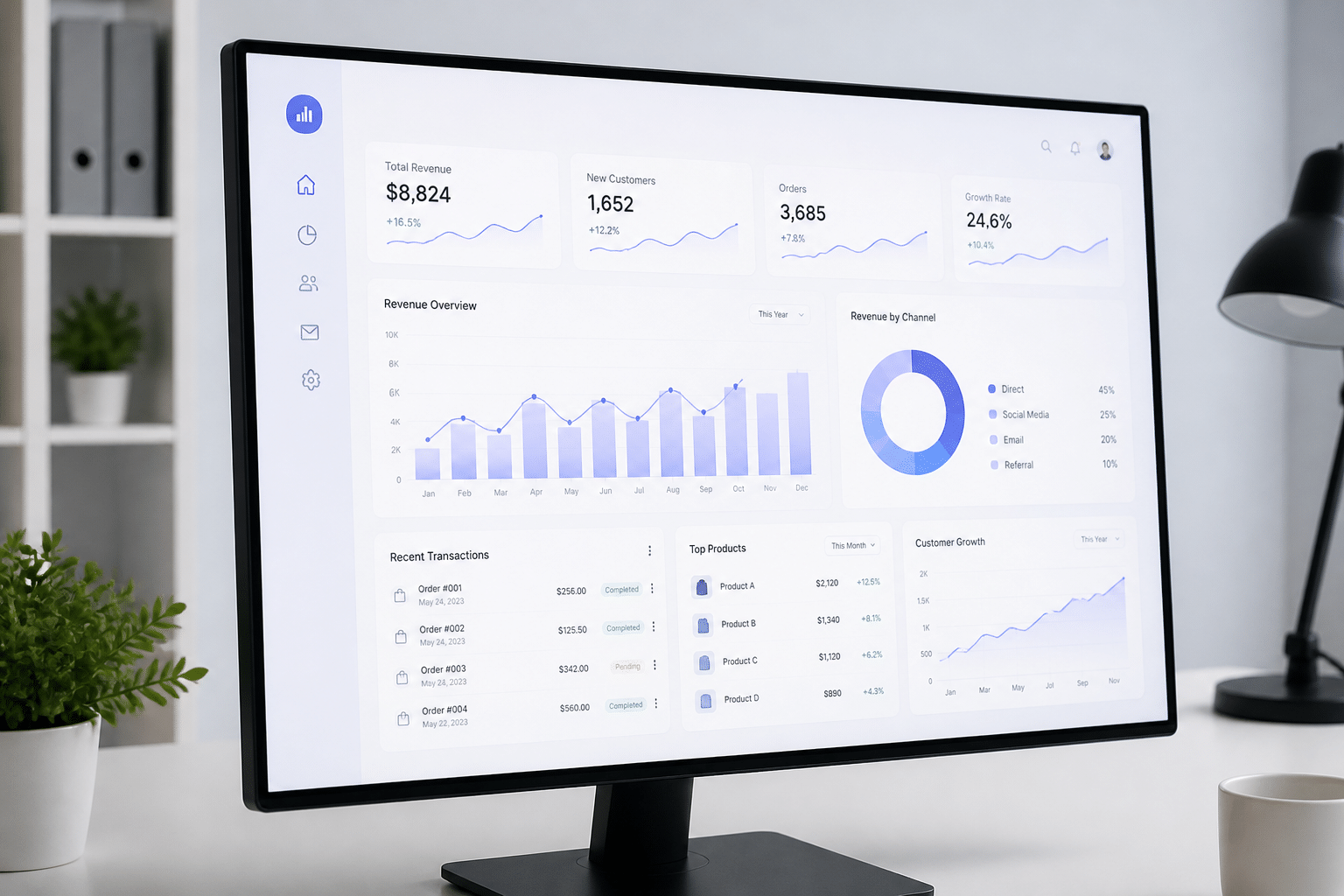
Here's a quiet truth about most MSME sales teams. Ask the owner "Which lead source made you the most money last quarter?" and you'll get a guess. A confident guess, sure. But still a guess.
That's the problem. Without data, you can't improve anything. You just repeat what you did last month and hope. A good WhatsApp CRM fixes this by turning raw activity (messages, calls, quotes, invoices) into numbers you can actually act on.
The WhatsApp Numbers Worth Watching
Don't drown in charts. A handful of metrics tell you most of the story. Here's what I'd look for in any crm with whatsapp integration:
Metric | What it tells you | Watch out for |
Delivery rate | Are your messages actually reaching people? | Old or wrong numbers in your list |
Read rate | Is anyone opening what you send? | Weak templates or bad timing |
Average first response time | How fast your team replies to a new chat | Replies stuck overnight |
Conversations per agent | Who's carrying the load, and who isn't | Uneven lead sharing |
Campaign performance | Sent, delivered, read and replied, per broadcast | Lots of sends but few replies |
One tip. Don't judge reps on message count alone. A rep sending 300 messages with no orders isn't beating a rep sending 80 that close deals. Pair activity numbers with outcomes like quotes sent and deals won. (A sales analytics guide from Geckoboard makes the same split between outputs, like revenue, and inputs, like response time.)
One Dashboard, Three Views
The best setup puts everything on one screen instead of five tabs. Picture a dashboard with three panels:
Lead source performance: Enquiries, quotes and revenue from IndiaMart, TradeIndia, JustDial, Google Ads and Facebook, side by side.
Sales team activity: Chats handled, first response time, follow-ups done and overdue, per rep.
WhatsApp campaign funnel: Sent, then delivered, then read, then replied. You see exactly where people drop off.
Leadopal offers a central dashboard for overall business performance, plus separate analytics for WhatsApp, email and SMS campaigns. So the same place that shows a broadcast's read rate also shows what your team closed.
From Conversations to Revenue
Here's where it gets interesting. Counting chats is easy. Knowing which source brings paying buyers is the hard part, and it's the one that matters.
Say IndiaMart sends 120 enquiries a month and Google Ads sends 40. IndiaMart looks like the winner. But if Google leads close at twice the rate with bigger orders, your budget might belong somewhere else. You'd never spot that without every lead tagged by source and tied to an invoice.
A word of warning, though. Give it time. For B2B and wholesale, a 30 to 90 day window is fairer than judging a source after one week. And don't shift spend just because a channel gets lots of replies. Replies aren't orders.
So track the whole path: source, chat, quote, invoice, payment. Once you can see it, you can finally decide where the next rupee goes. Which brings us to the big question: how do you pick the right tool from all this?
Conclusion: How to Choose the Best WhatsApp CRM for Your Growth
Let's go back to that rep in Surat, the one with the 9:40pm enquiry and a plate of dinner. The fix was never about working harder. It was about building a system that doesn't need anyone to remember.
Quick recap. The six features we covered were:
Official API: safe scale, no ban worries
Unified lead capture: every IndiaMart, TradeIndia and ad lead in one pipeline
Shared inbox: chats belong to the business, not one phone
Automation: instant routing and replies, even at dinner time
Integrated invoicing: quote to GST invoice without leaving the chat
Analytics: proof of which sources and reps bring real money
The big idea is simple. You're moving from chaos to one clean system. That helps your team sell more, and it makes a small business look like a serious one. Customers notice.
Your Turn: Use This Checklist
I'd print this and take it into every demo. Be strict. A "maybe" is a "No" until the vendor shows it live.
Feature to check | What to ask the vendor | Yes / No |
Official WhatsApp Business API | Is it the official API, with template and opt-in support? Can you itemise all costs? | |
Unified lead capture | Does it pull from IndiaMart, TradeIndia, JustDial and ads, with source tags and no duplicates? | |
Shared team inbox | Can reps' numbers sit in one inbox, with role-based access and easy reassignment? | |
Drag-and-drop automation | Can a manager change routing and follow-ups without a developer? | |
Integrated invoicing | Can you create GST-ready quotes and invoices inside the chat? | |
Analytics dashboard | Can you see revenue by lead source, rep response time and campaign results? |
Six Yeses? Strong contender. Four or less? Keep looking.
One more thing. Ask for a demo using your own process, not a canned one. And ask for the total monthly cost at your real message volume. Meta's pricing has been shifting this year, so get it in writing.
Pick a tool built for how Indian MSMEs actually sell, with marketplaces, GST and WhatsApp at the center. That's the fastest route to the best WhatsApp CRM for your team.
Want to see how all six features fit together in one place? Take a look at Leadopal and run it against your checklist.